Chapter 3
| Basic Management Tasks
Displaying Memory Utilization
– 109 –
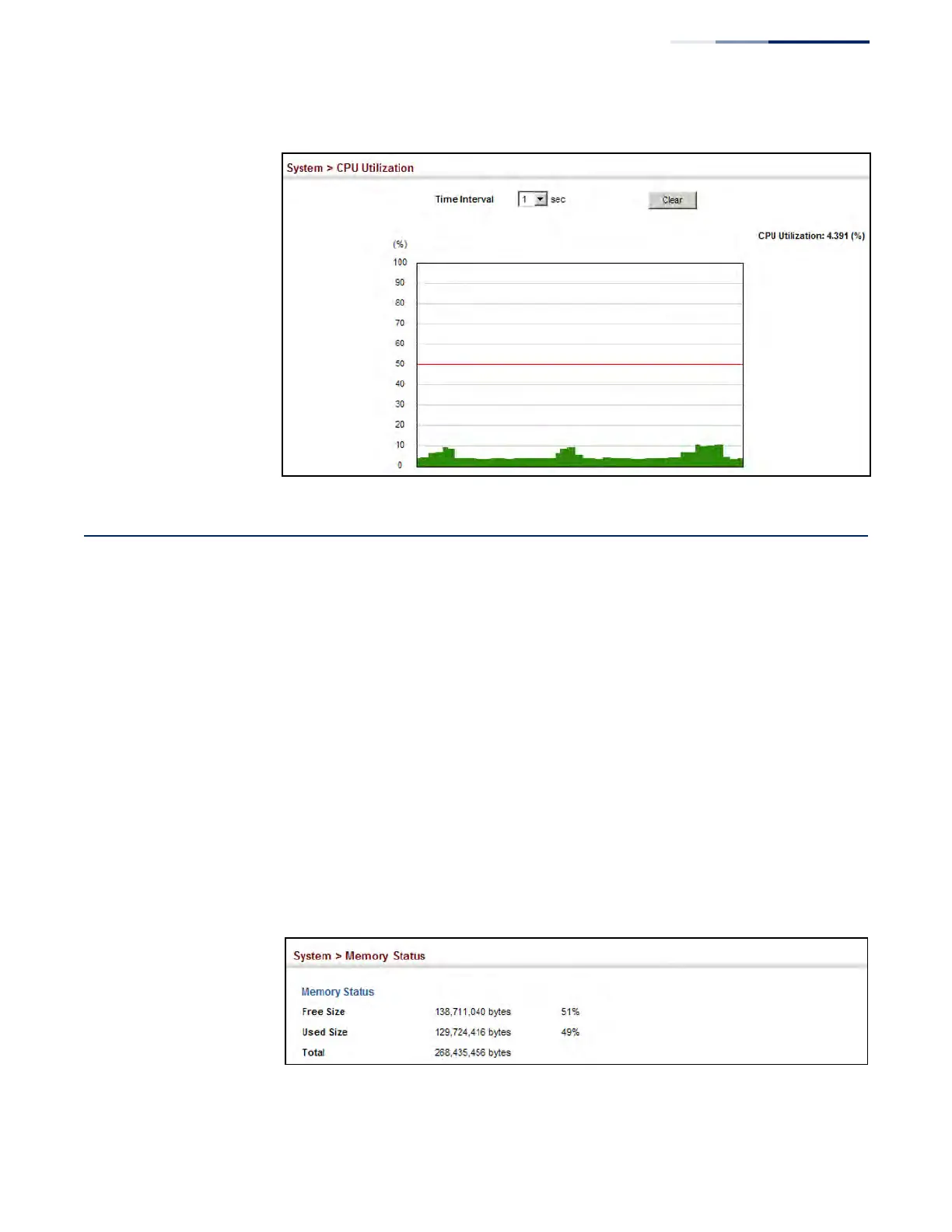
Figure 23: Displaying CPU Utilization
Displaying Memory Utilization
Use the System > Memory Status page to display memory utilization parameters.
Parameters
The following parameters are displayed:
◆ Free Size – The amount of memory currently free for use.
◆ Used Size – The amount of memory allocated to active processes.
◆ Total – The total amount of system memory.
Web Interface
To display memory utilization:
1. Click System, then Memory Status.
Figure 24: Displaying Memory Utilization











 To Next Page