Chapter 5
| VLAN Configuration
Configuring VLAN Mirroring
– 194 –
◆ When traffic matches the rules for both port mirroring, and for mirroring of
VLAN traffic or packets based on a MAC address, the matching packets will not
be sent to target port specified for port mirroring.
Parameters
These parameters are displayed:
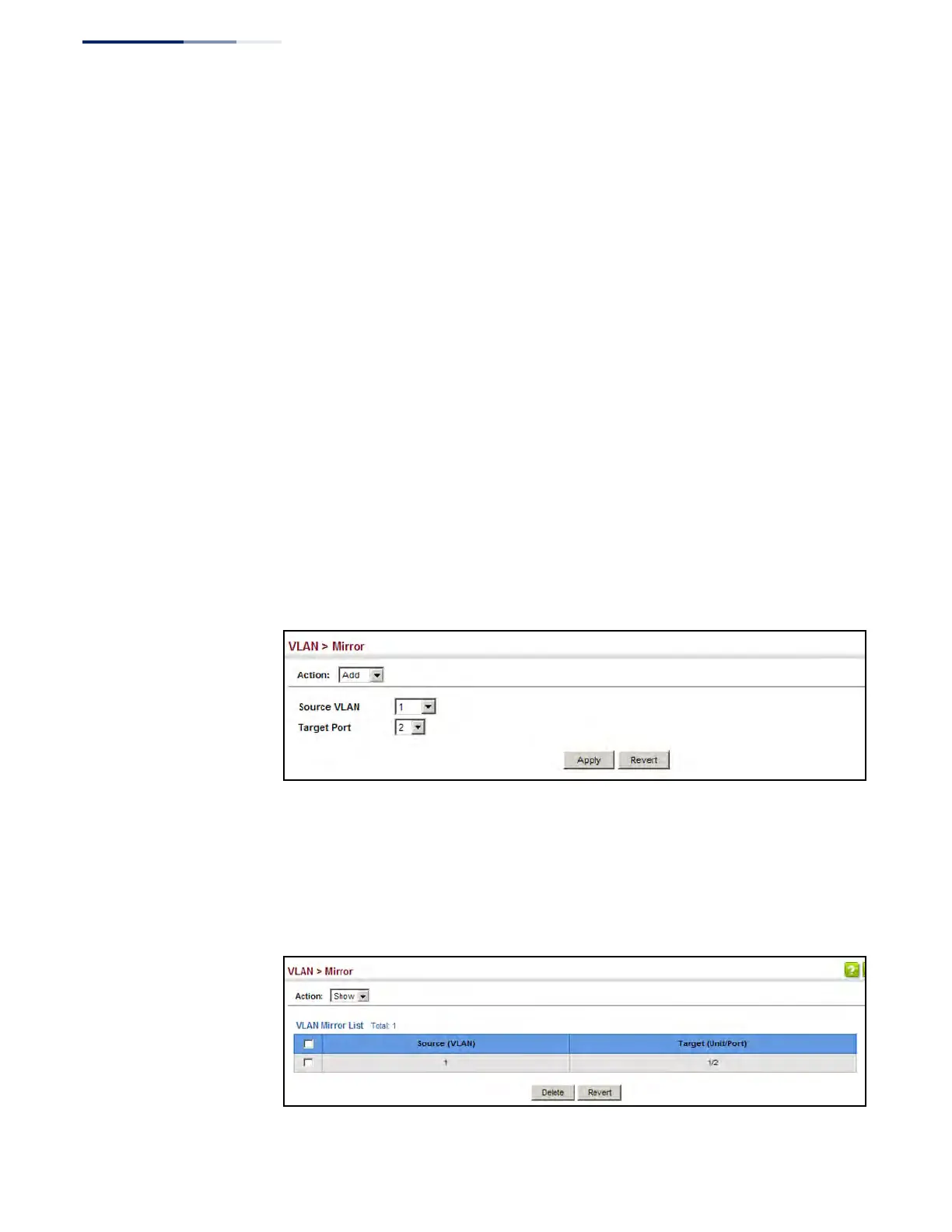
◆ Source VLAN – A VLAN whose traffic will be monitored. (Range: 1-4094)
◆ Target Port – The destination port that receives the mirrored traffic from the
source VLAN. (Range: 1-28/52)
Web Interface
To configure VLAN mirroring:
1. Click VLAN, Mirror.
2. Select Add from the Action list.
3. Select the source VLAN, and select a target port.
4. Click Apply.
Figure 94: Configuring VLAN Mirroring
To show the VLANs to be mirrored:
1. Click VLAN, Mirror.
2. Select Show from the Action list.
Figure 95: Showing the VLANs to Mirror











 To Next Page