Chapter 16
| IP Services
Domain Name Service
– 645 –
checking with the specified name servers for a match (see “Configuring a List
of Name Servers” on page 646).
Parameters
These parameters are displayed:
Domain Name – Name of the host. Do not include the initial dot that separates the
host name from the domain name. (Range: 1-68 characters)
Web Interface
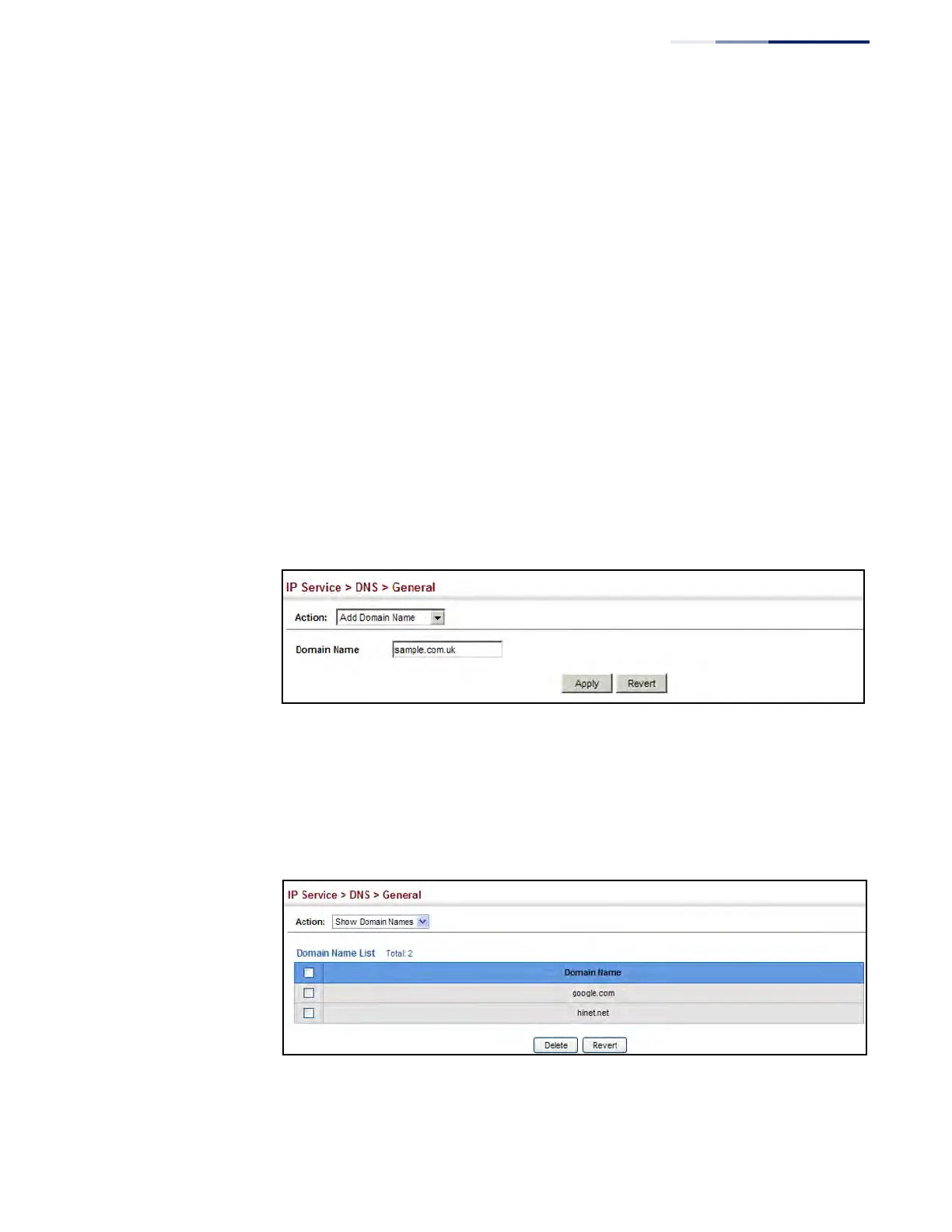
To create a list domain names:
1. Click IP Service, DNS.
2. Select Add Domain Name from the Action list.
3. Enter one domain name at a time.
4. Click Apply.
Figure 414: Configuring a List of Domain Names for DNS
To show the list domain names:
1. Click IP Service, DNS.
2. Select Show Domain Names from the Action list.
Figure 415: Showing the List of Domain Names for DNS











 To Next Page