Chapter 12
| Security Measures
Configuring 802.1X Port Authentication
– 362 –
◆ Maximum Start – The maximum number of times that a port supplicant will
send an EAP start frame to the client before assuming that the client is 802.1X
unaware. (Range: 1-65535; Default: 3)
◆ Authenticated – Shows whether or not the supplicant has been authenticated.
Web Interface
To configure port authenticator settings for 802.1X:
1. Click Security, Port Authentication.
2. Select Configure Interface from the Step list.
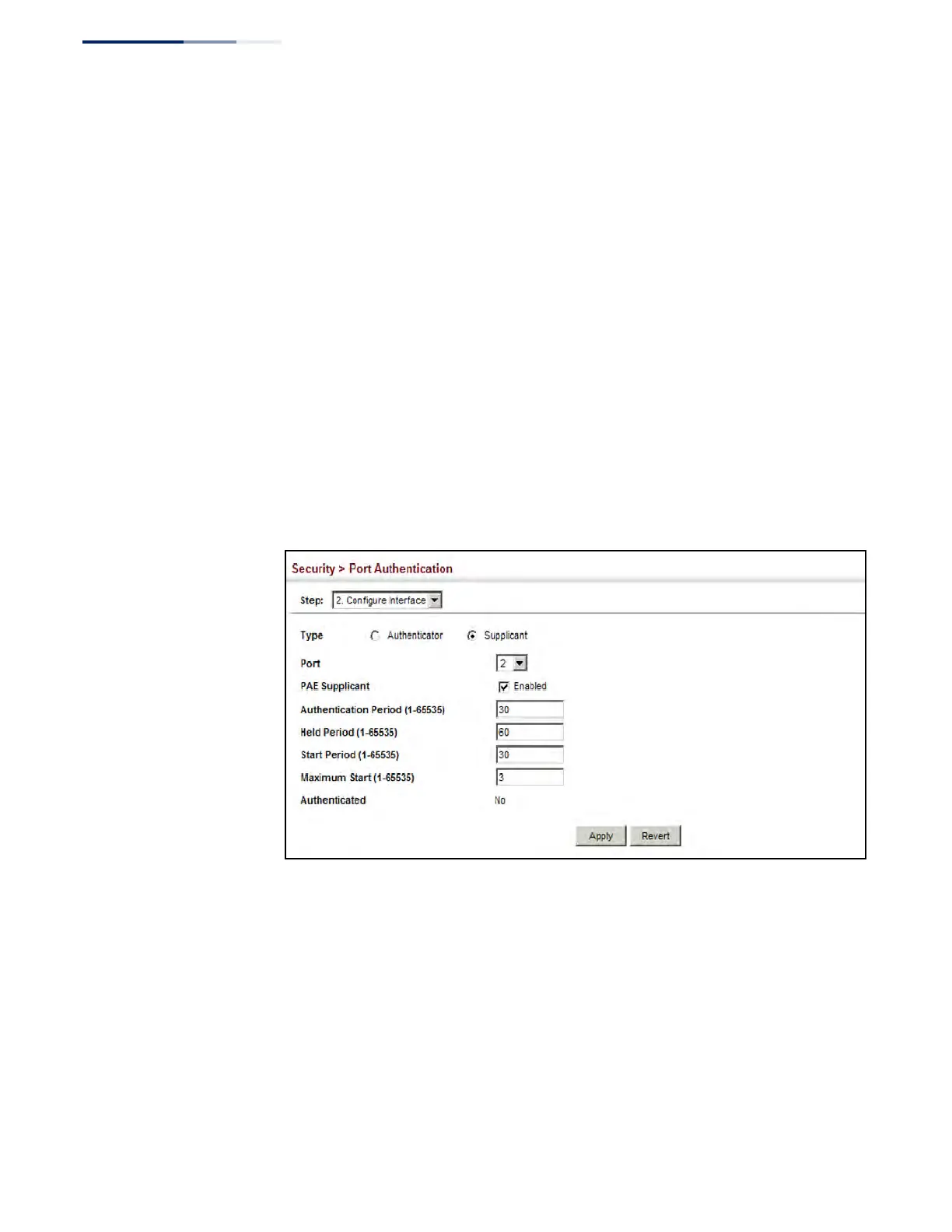
3. Click Supplicant.
4. Modify the supplicant settings for each port as required.
5. Click Apply
Figure 221: Configuring Interface Settings for 802.1X Port Supplicant











 To Next Page