Chapter 18
| Configuring Router Redundancy
Displaying VRRP Global Statistics
– 694 –
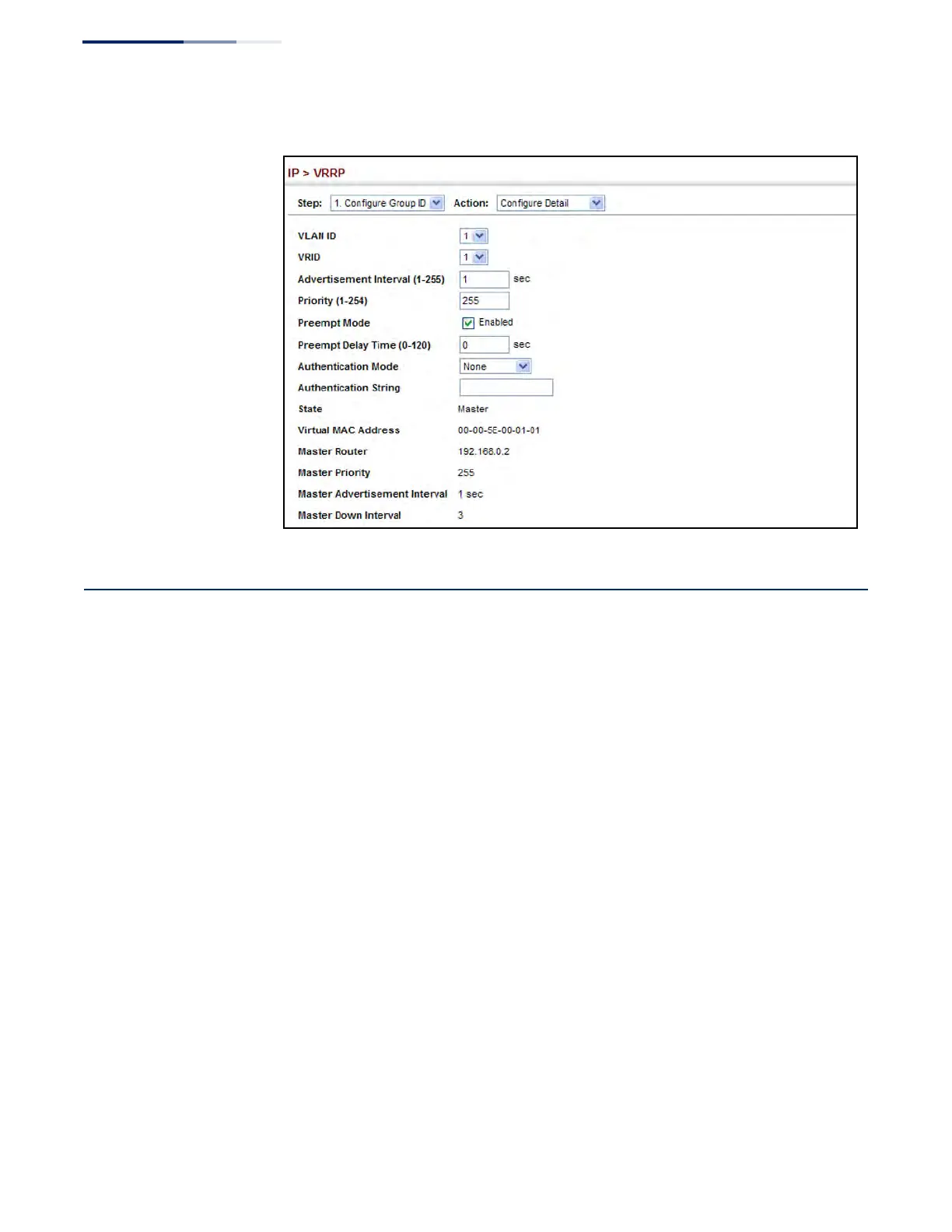
Figure 461: Configuring Detailed Settings for a VRRP Group
Displaying VRRP Global Statistics
Use the IP > VRRP (Show Statistics – Global Statistics) page to display counters for
errors found in VRRP protocol packets.
Parameters
These parameters are displayed:
◆ VRRP Packets with Invalid Checksum – The total number of VRRP packets
received with an invalid VRRP checksum value.
◆ VRRP Packets with Unknown Error – The total number of VRRP packets
received with an unknown or unsupported version number.
◆ VRRP Packets with Invalid VRID – The total number of VRRP packets received
with an invalid VRID for this virtual router.
Web Interface
To show counters for errors found in VRRP protocol packets:
1. Click IP, VRRP.
2. Select Show Statistics from the Step List.
3. Click Global Statistics.











 To Next Page