Chapter 20
| Multicast Routing
Configuring Global Settings for Multicast Routing
– 758 –
4. Select a Source Address.
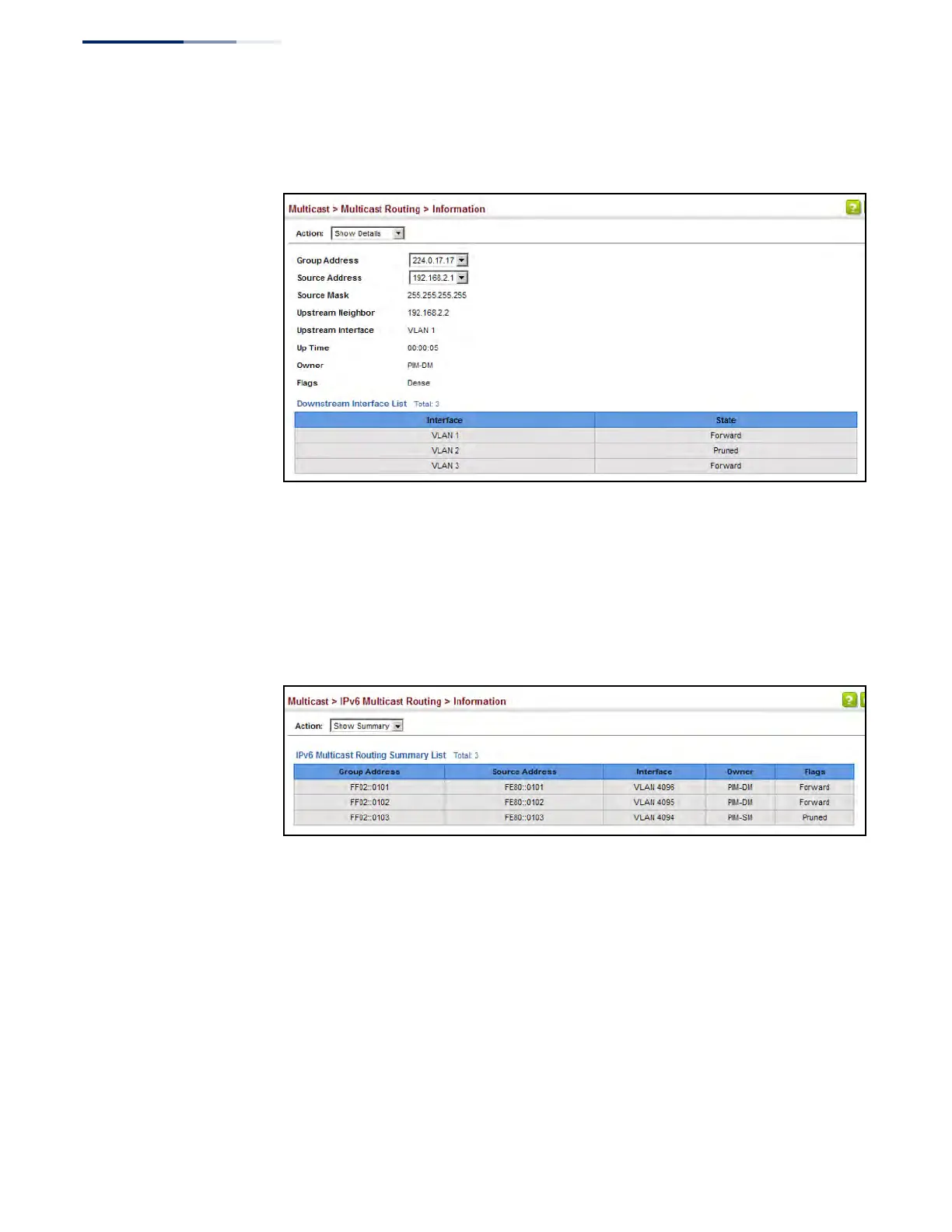
Figure 519: Displaying Detailed Entries from IPv4 Multicast Routing Table
Web Interface (IPv6)
To display the multicast routing table:
1. Click Multicast, IPv6 Multicast Routing, Information.
2. Select Show Summary from the Action List.
Figure 520: Displaying the IPv6 Multicast Routing Table
To display detailed information on a specific flow in multicast routing table:
1. Click Multicast, IPv6 Multicast Routing, Information.
2. Select Show Details from the Action List.
3. Select a Group Address.
4. Select a Source Address.
5. Click Query.











 To Next Page