Chapter 17
| General IP Routing
Configuring IP Routing Interfaces
– 674 –
include zone-id information indicating the VLAN identifier after the % delimiter.
For example, FE80::7272%1 identifies VLAN 1 as the interface.
Web Interface
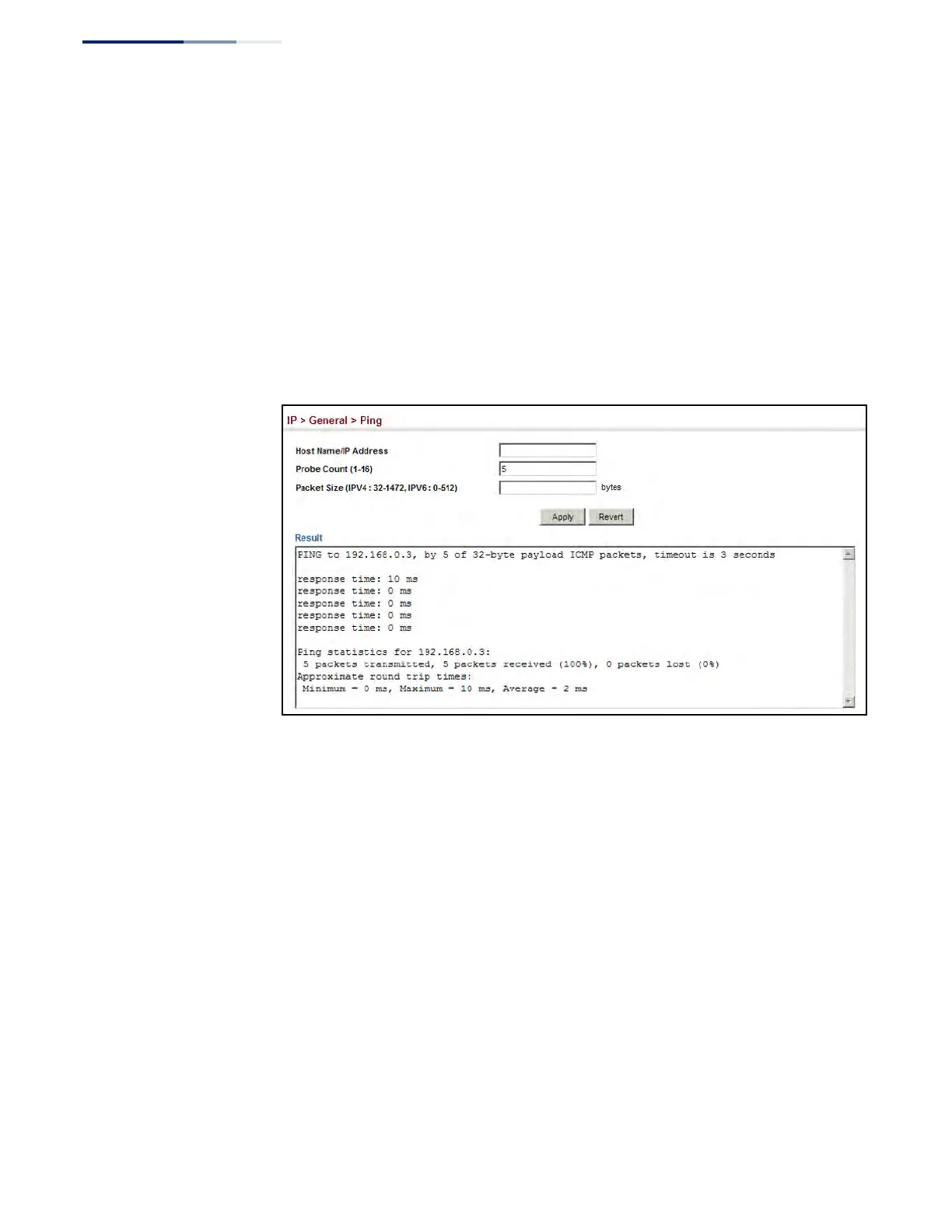
To ping another device on the network:
1. Click IP, General, Ping.
2. Specify the target device and ping parameters.
3. Click Apply.
Figure 441: Pinging a Network Device
Using the
Trace Route Function
Use the IP > General > Trace Route page to show the route packets take to the
specified destination.
Parameters
These parameters are displayed:
◆ Destination IP Address – IPv4/IPv6 address of the host.
◆ IPv4 Max Failures – The maximum number of failures before which the trace
route is terminated. (Fixed: 5)
◆ IPv6 Max Failures – The maximum number of failures before which the trace
route is terminated. (Range: 1-255; Default: 5)
Command Usage
◆ Use the trace route function to determine the path taken to reach a specified
destination.











 To Next Page