Chapter 18
| Configuring Router Redundancy
Configuring VRRP Groups
– 693 –
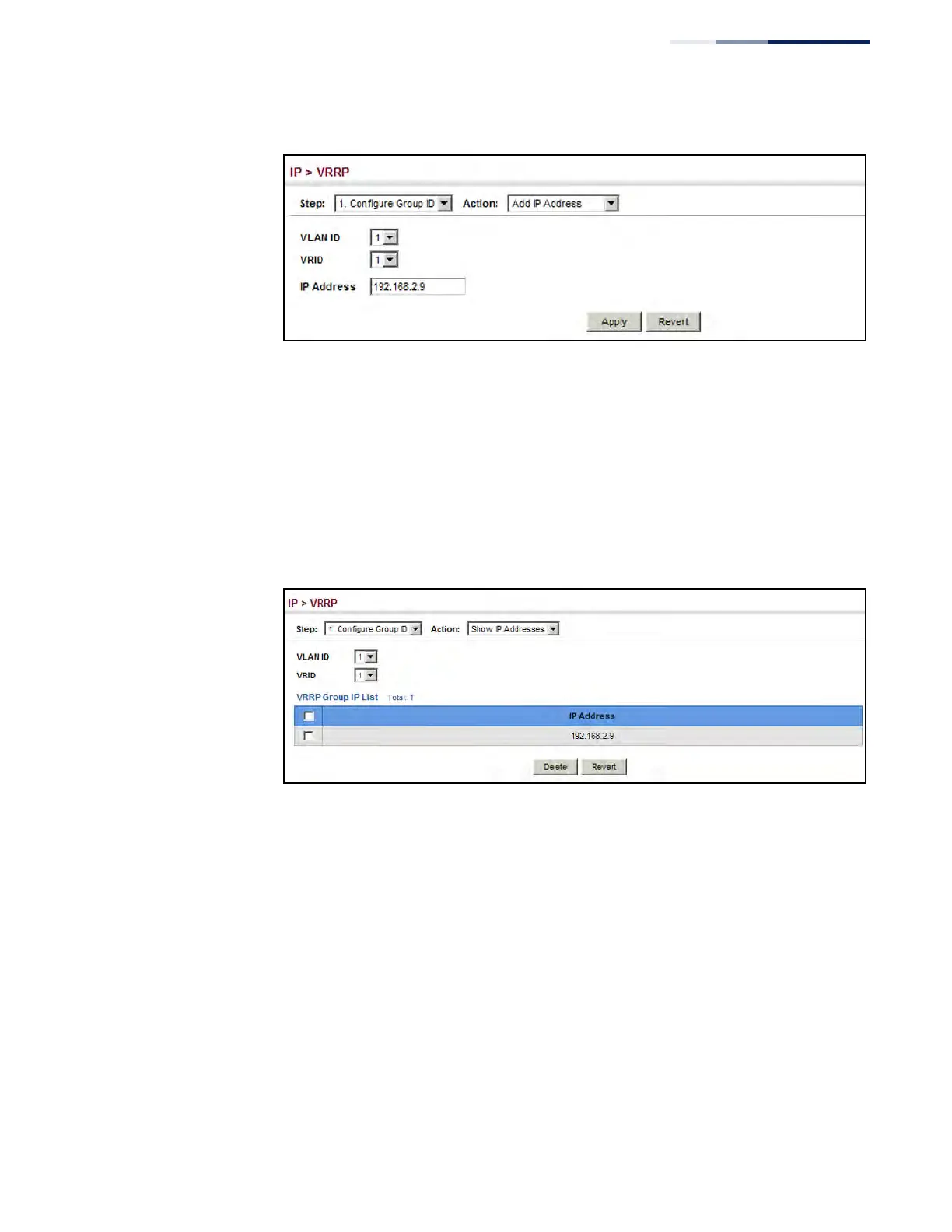
Figure 459: Setting the Virtual Router Address for a VRRP Group
To show the virtual IP address assigned to a VRRP group:
1. Click IP, VRRP.
2. Select Configure Group ID from the Step List.
3. Select Show IP Addresses from the Action List.
4. Select a VLAN, and a VRRP group identifier.
Figure 460: Showing the Virtual Addresses Assigned to VRRP Groups
To configure detailed settings for a VRRP group:
1. Click IP, VRRP.
2. Select Configure Group ID from the Step List.
3. Select Configure Detail from the Action List.
4. Select a VRRP group identifier, and set any of the VRRP protocol parameters as
required.
5. Click Apply.











 To Next Page