Chapter 20
| Multicast Routing
Configuring PIMv6 for IPv6
– 790 –
Web Interface
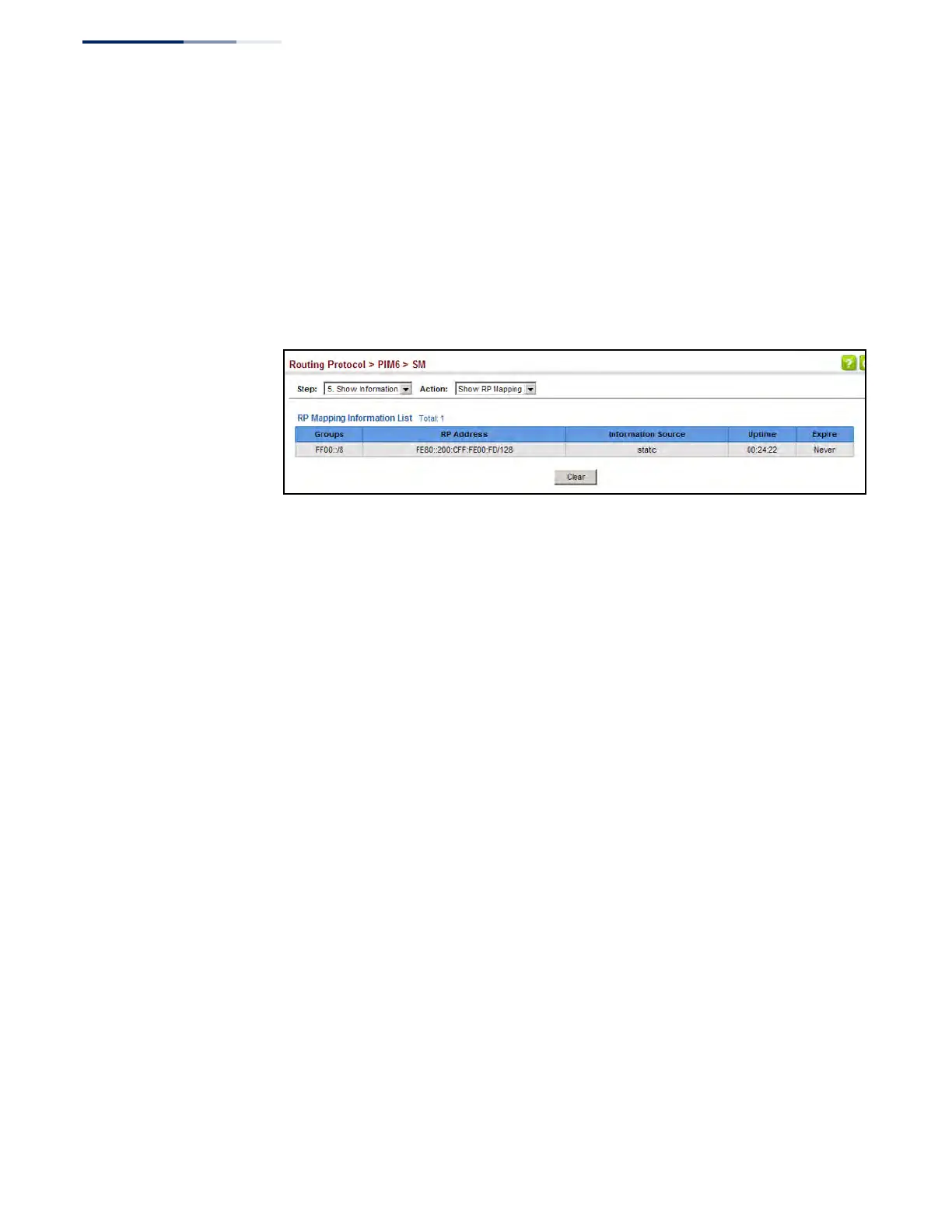
To display the RPs mapped to multicast groups:
1. Click Routing Protocol, PIM6, SM.
2. Select Show Information from the Step list.
3. Select Show RP Mapping from the Action list.
Figure 545: Showing PIM6 RP Mapping











 To Next Page