Chapter 14
| Multicast Filtering
Multicast VLAN Registration for IPv6
– 615 –
Web Interface
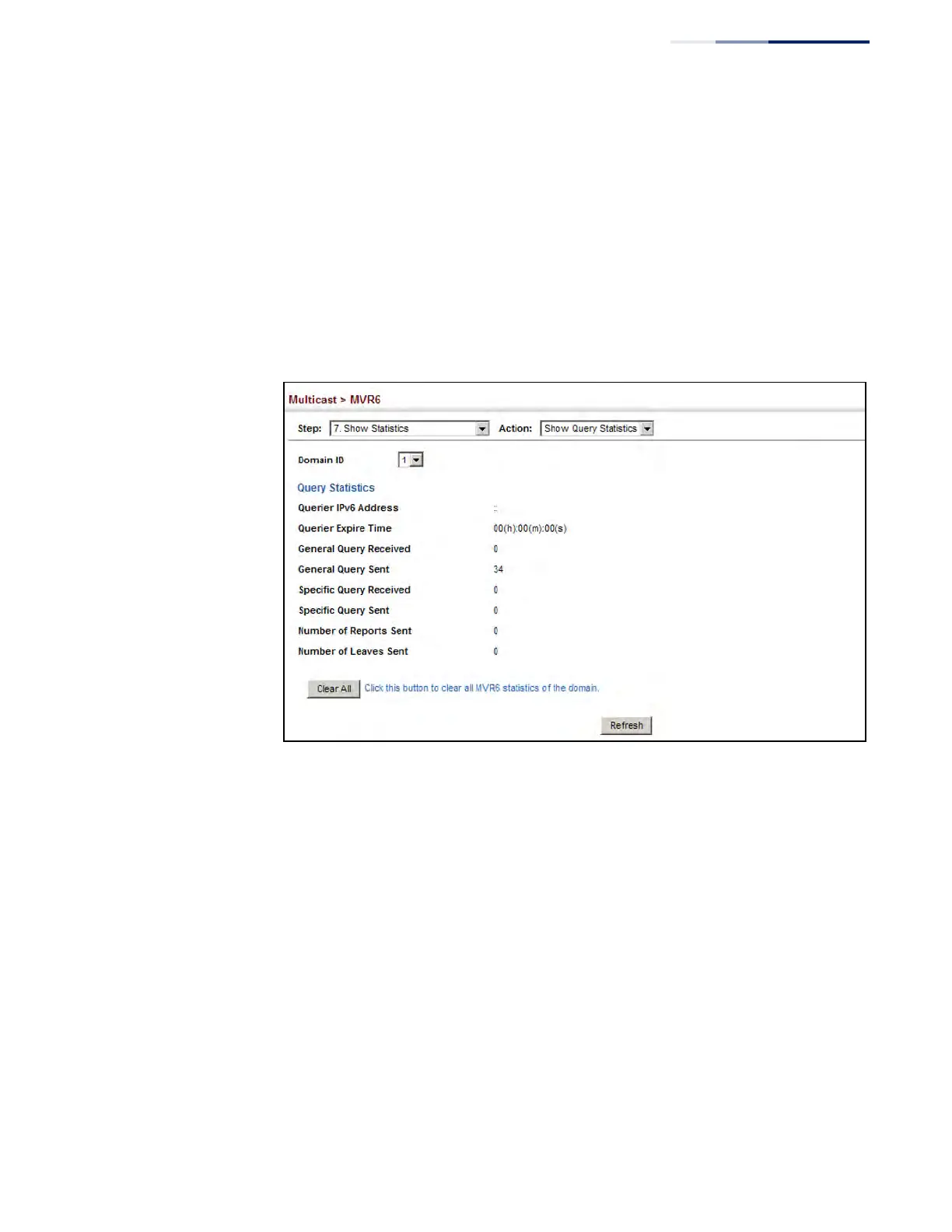
To display statistics for MVR6 query-related messages:
1. Click Multicast, MVR6.
2. Select Show Statistics from the Step list.
3. Select Show Query Statistics from the Action list.
4. Select an MVR6 domain.
Figure 396: Displaying MVR6 Statistics – Query











 To Next Page