Chapter 5
| VLAN Configuration
IEEE 802.1Q VLANs
– 172 –
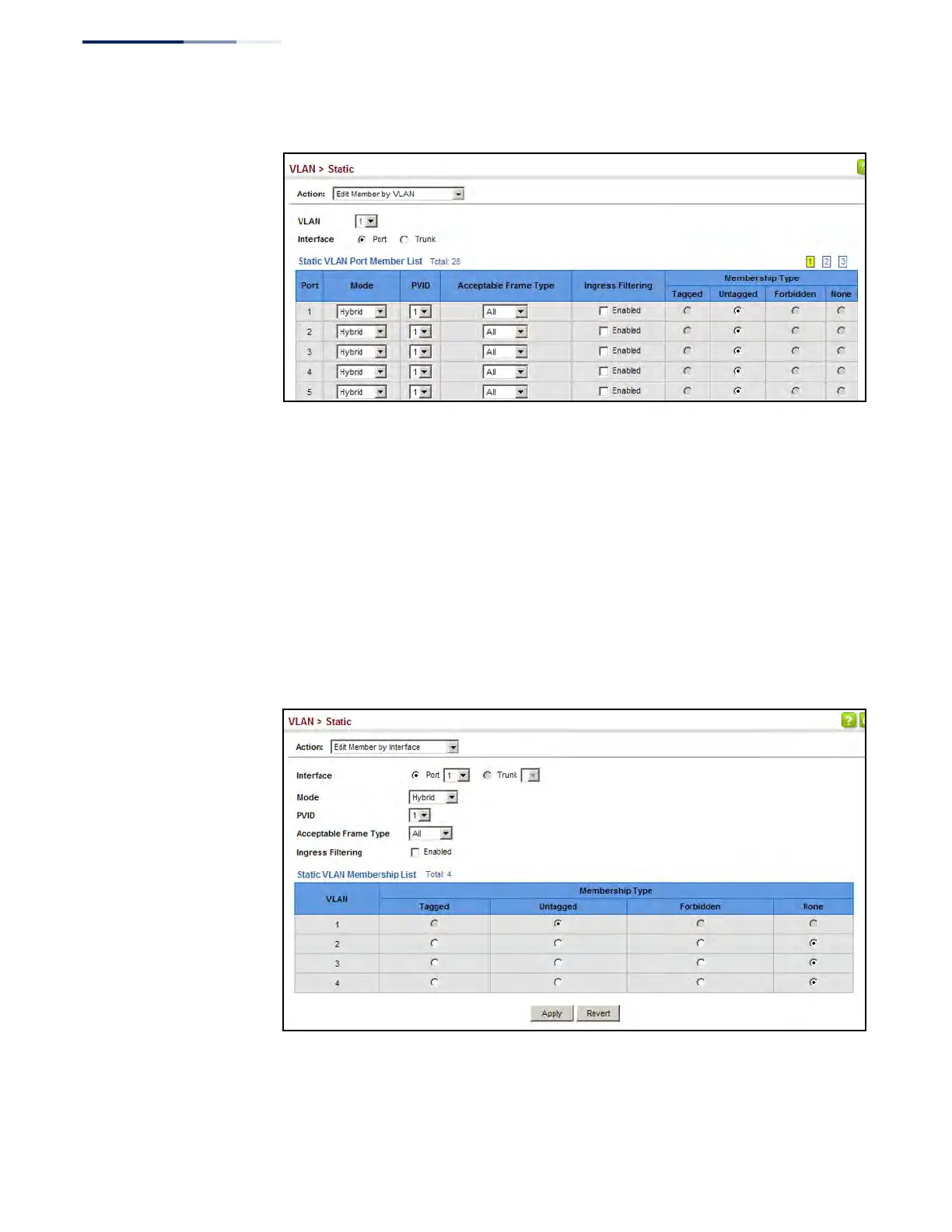
Figure 74: Configuring Static Members by VLAN Index
To configure static members by interface:
1. Click VLAN, Static.
2. Select Edit Member by Interface from the Action list.
3. Select a port or trunk configure.
4. Modify the settings for any interface as required.
5. Click Apply.
Figure 75: Configuring Static VLAN Members by Interface











 To Next Page