Chapter 17
| General IP Routing
Equal-cost Multipath Routing
– 686 –
Web Interface
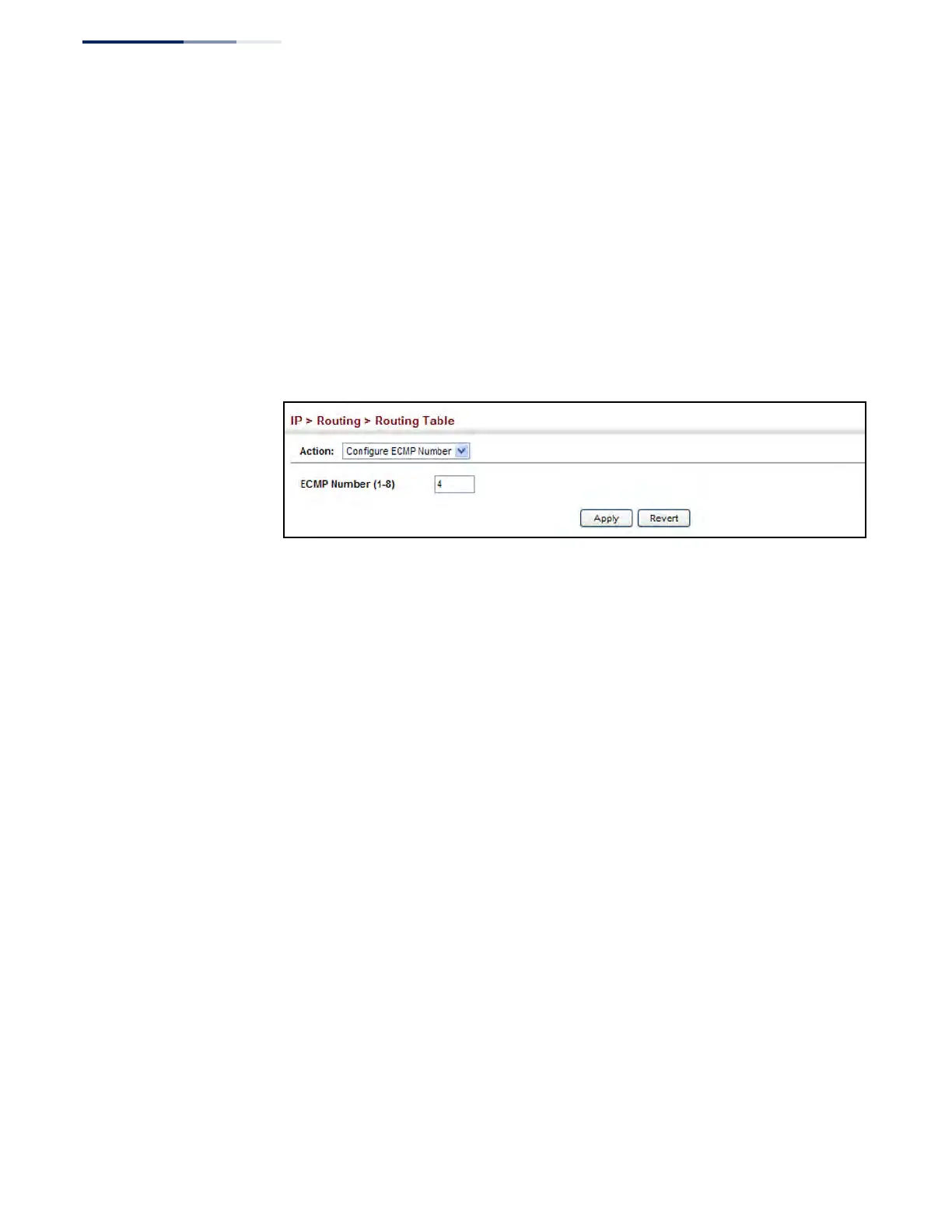
To configure the maximum ECMP number:
1. Click IP, Routing, Routing Table.
2. Select Configure ECMP Number from the Action List.
3. Enter the maximum number of equal-cost paths used to route traffic to the
same destination that are permitted on the switch.
4. Click Apply
Figure 452: Setting the Maximum ECMP Number











 To Next Page