Chapter 5
| VLAN Configuration
IEEE 802.1Q VLANs
– 176 –
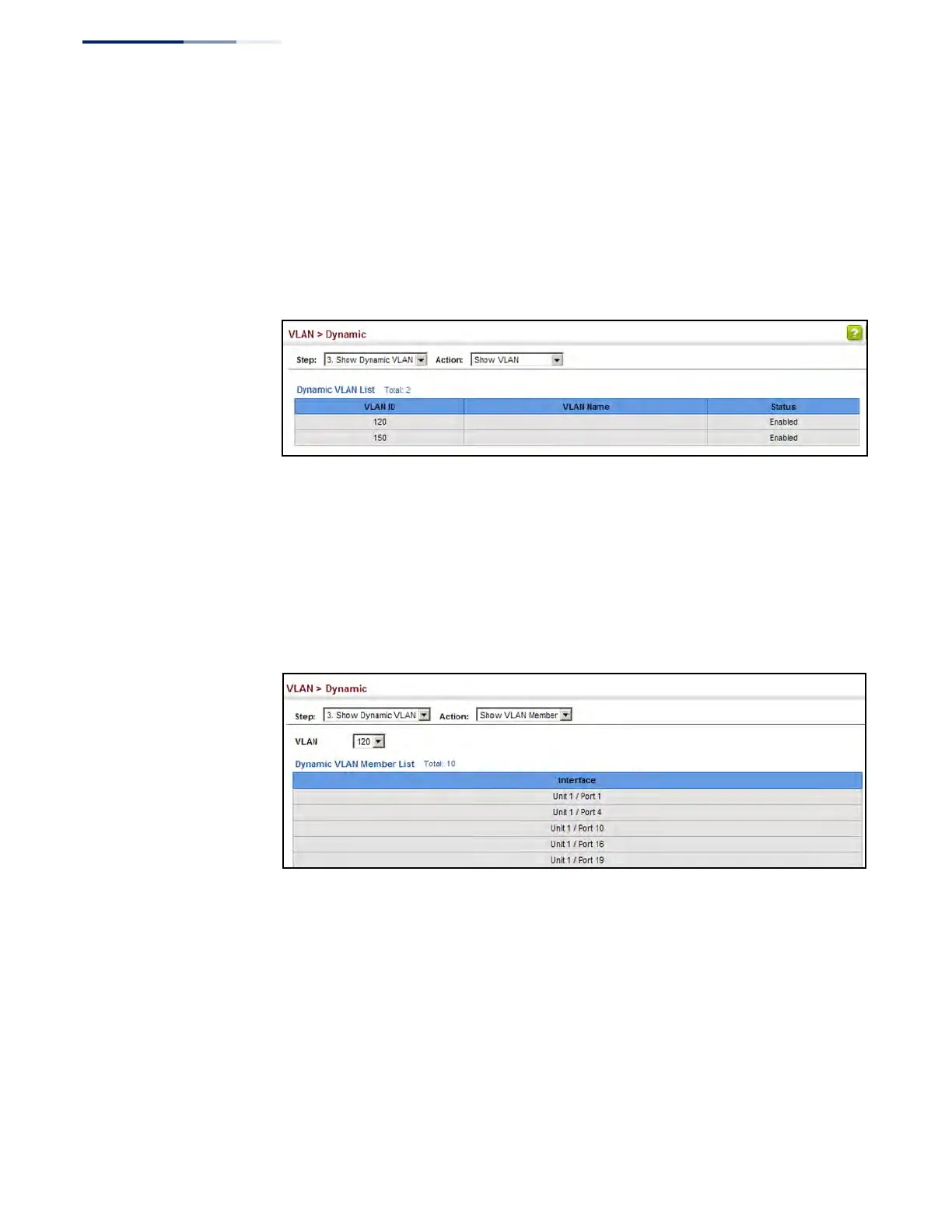
To show the dynamic VLAN joined by this switch:
1. Click VLAN, Dynamic.
2. Select Show Dynamic VLAN from the Step list.
3. Select Show VLAN from the Action list.
Figure 79: Showing Dynamic VLANs Registered on the Switch
To show the members of a dynamic VLAN:
1. Click VLAN, Dynamic.
2. Select Show Dynamic VLAN from the Step list.
3. Select Show VLAN Members from the Action list.
Figure 80: Showing the Members of a Dynamic VLAN











 To Next Page