Chapter 15
| IP Configuration
Setting the Switch’s IP Address (IP Version 6)
– 629 –
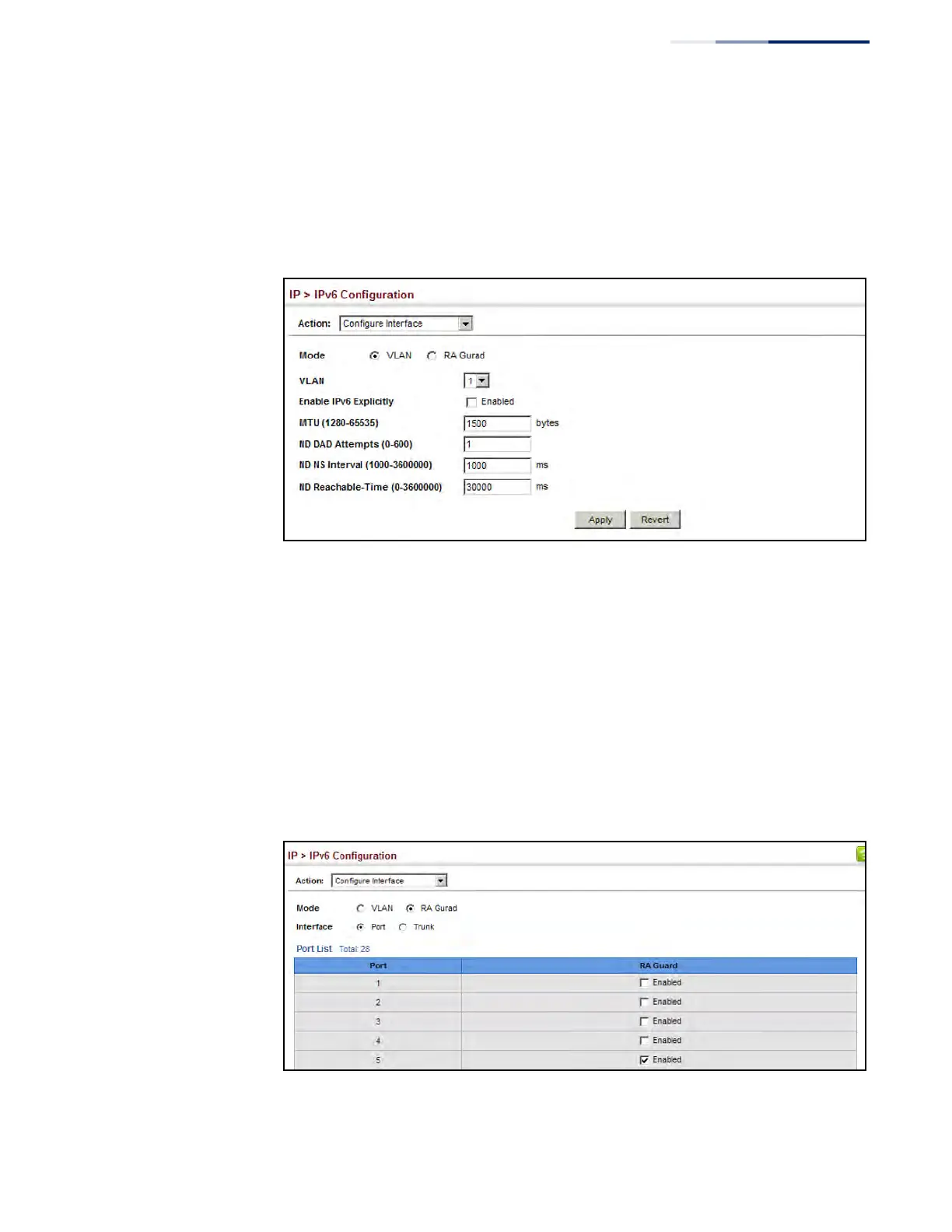
duplicate address detection messages, the neighbor solicitation message
interval, and the amount of time that a remote IPv6 node is considered
reachable.
6. Click Apply.
Figure 404: Configuring General Settings for an IPv6 Interface
To configure RA Guard for the switch:
1. Click IP, IPv6 Configuration.
2. Select Configure Interface from the Action list.
3. Select RA Guard mode.
4. Enable RA Guard for untrusted interfaces.
5. Click Apply.
Figure 405: Configuring RA Guard for an IPv6 Interface











 To Next Page