Chapter 13
| Basic Administration Protocols
Connectivity Fault Management
– 517 –
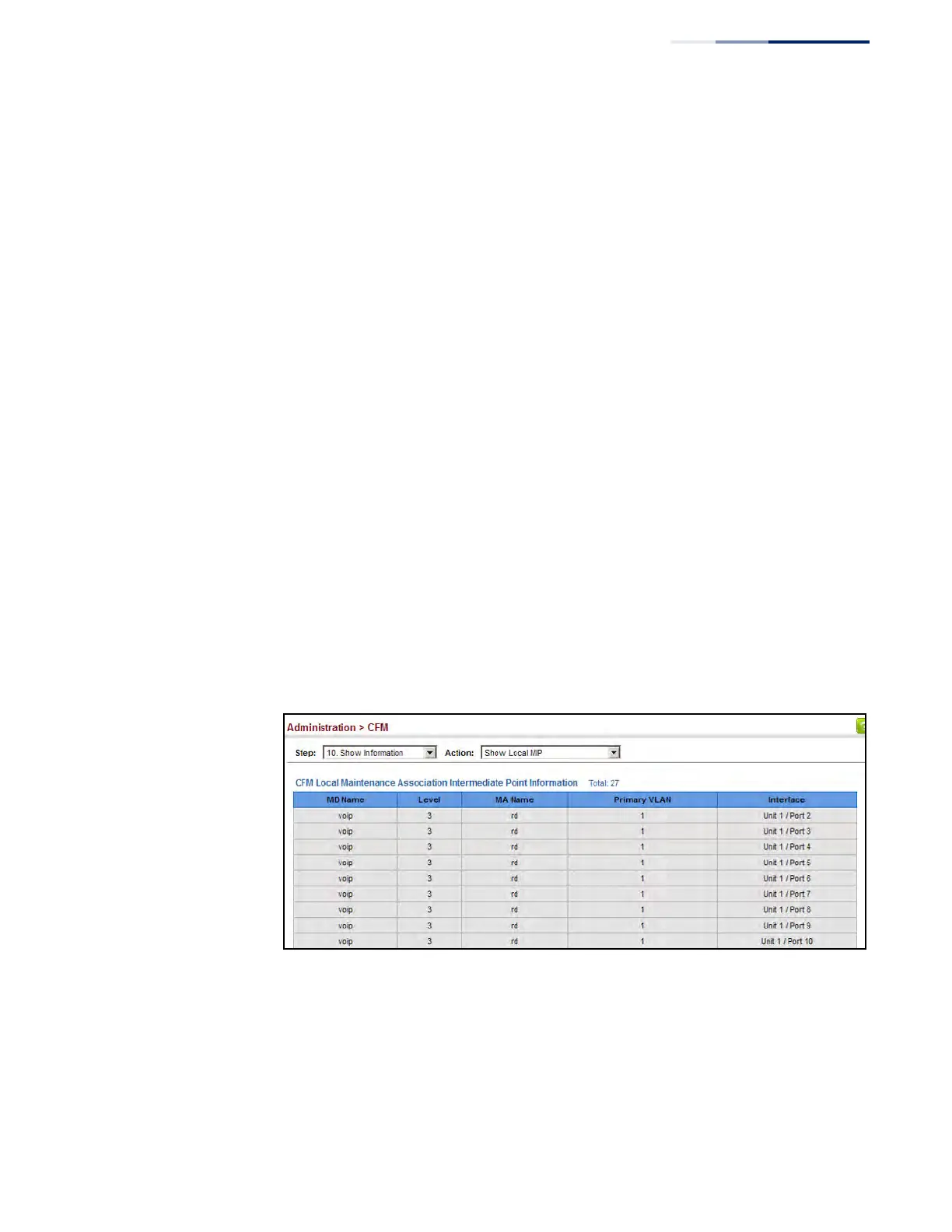
Displaying Local MIPs Use the Administration > CFM > Show Information (Show Local MIP) page to show
the MIPs on this device discovered by the CFM protocol. (For a description of MIPs,
refer to the Command Usage section under "Configuring CFM Maintenance
Domains".)
Parameters
These parameters are displayed:
◆ MD Name – Maintenance domain name.
◆ Level – Authorized maintenance level for this domain.
◆ MA Name – Maintenance association name.
◆ Primary VLAN – Service VLAN ID.
◆ Interface – Physical interface of this entry (either a port or trunk).
Web Interface
To show information for the MIPs discovered by the CFM protocol:
1. Click Administration, CFM.
2. Select Show Information from the Step list.
3. Select Show Local MIP from the Action list.
Figure 321: Showing Information on Local MIPs











 To Next Page