Chapter 15
| IP Configuration
Setting the Switch’s IP Address (IP Version 6)
– 641 –
Showing the MTU
for Responding
Destinations
Use the IP > IPv6 Configuration (Show MTU) page to display the maximum
transmission unit (MTU) cache for destinations that have returned an ICMP packet-
too-big message along with an acceptable MTU to this switch.
Parameters
These parameters are displayed:
Web Interface
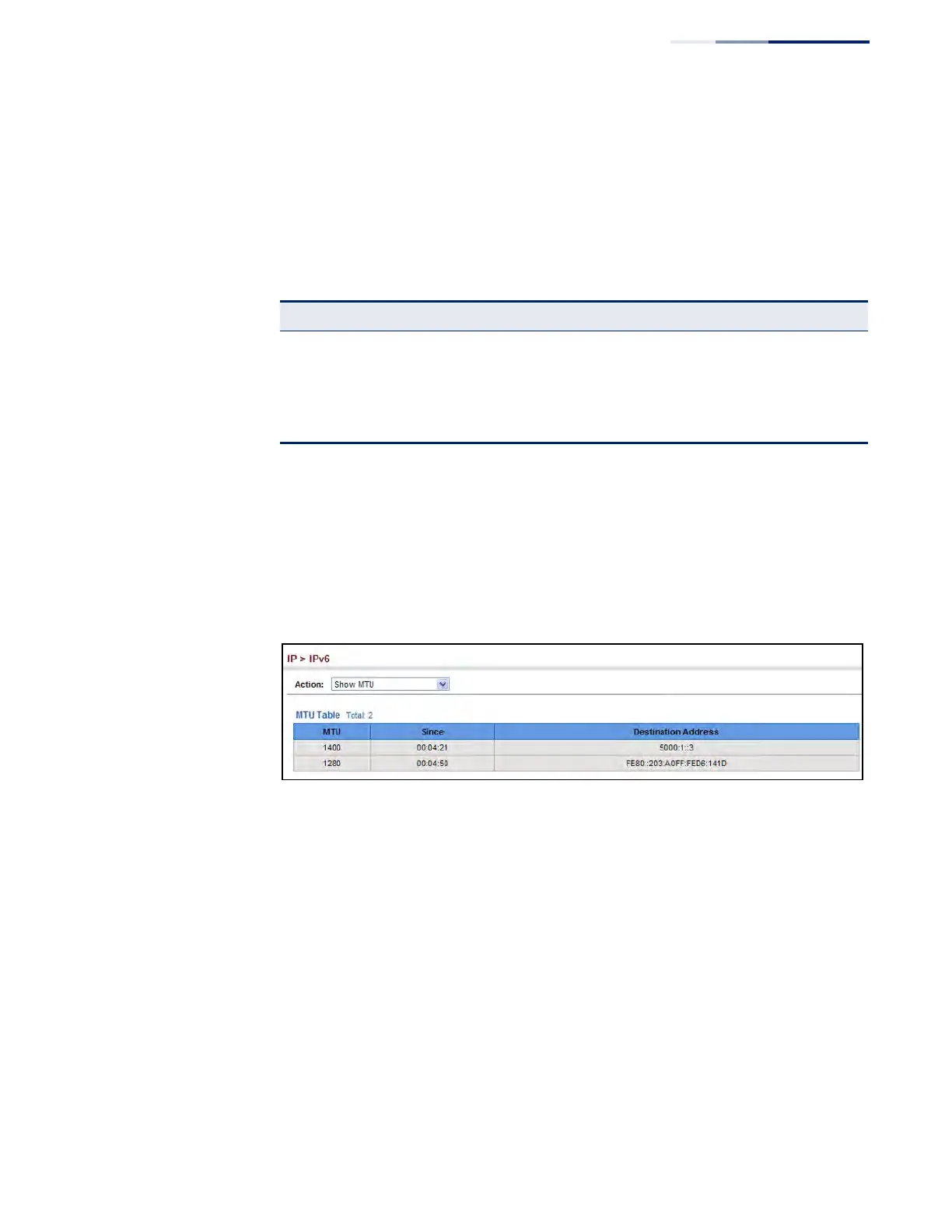
To show the MTU reported from other devices:
1. Click IP, IPv6 Configuration.
2. Select Show MTU from the Action list.
Figure 412: Showing Reported MTU Values
Table 37: Show MTU - display description
Field Description
MTU Adjusted MTU contained in the ICMP packet-too-big message returned from this
destination, and now used for all traffic sent along this path.
Since Time since an ICMP packet-too-big message was received from this destination.
Destination
Address
Address which sent an ICMP packet-too-big message.











 To Next Page