Chapter 4
| Interface Configuration
Saving Power
– 155 –
◆ Power Saving Status – Adjusts the power provided to ports based on the
length of the cable used to connect to other devices. Only sufficient power is
used to maintain connection requirements. (Default: Enabled on Gigabit
Ethernet RJ-45 ports)
Web Interface
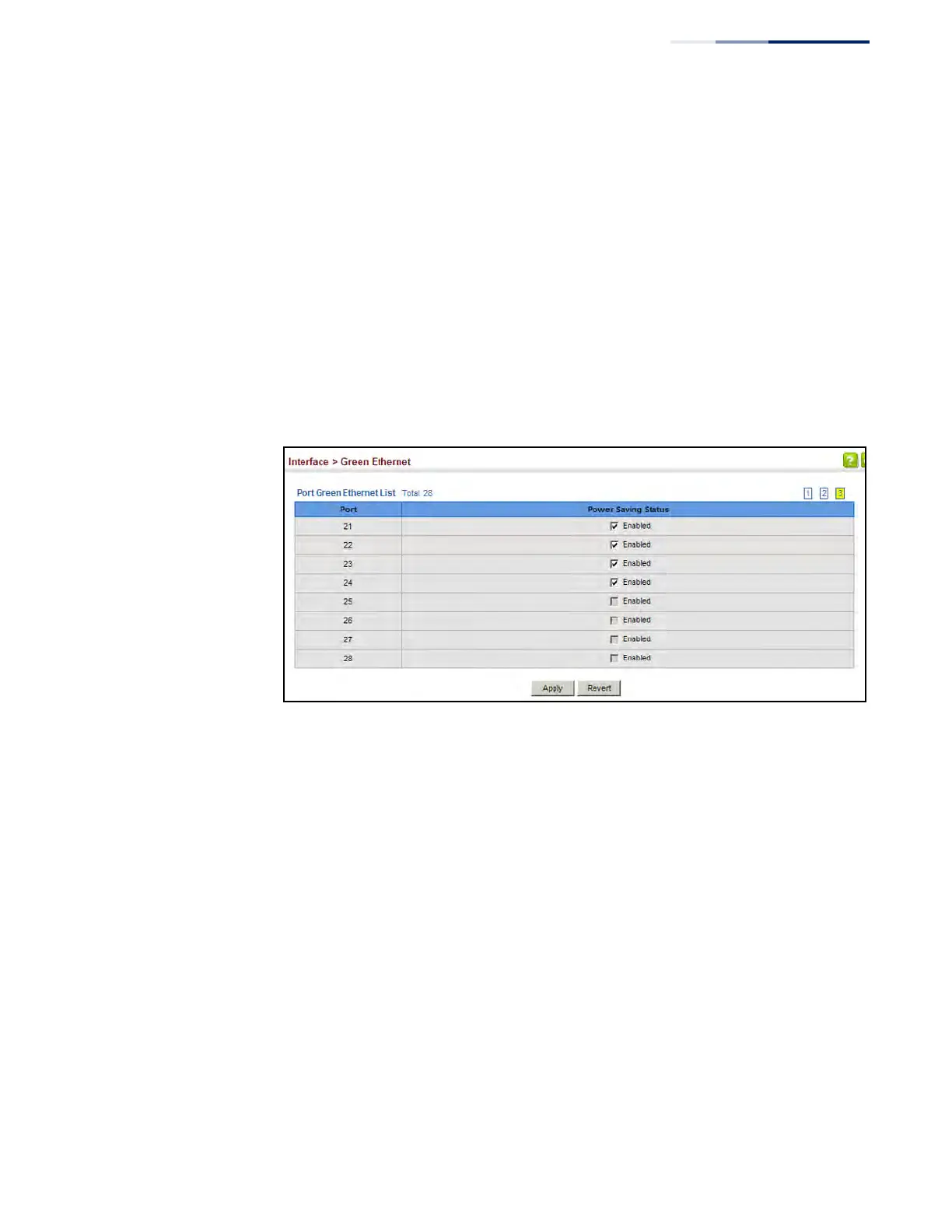
To enable power savings:
1. Click Interface, Green Ethernet.
2. Mark the Enabled check box for a port.
3. Click Apply.
Figure 63: Enabling Power Savings











 To Next Page