Chapter 19
| Unicast Routing
Configuring the Open Shortest Path First Protocol (Version 2)
– 731 –
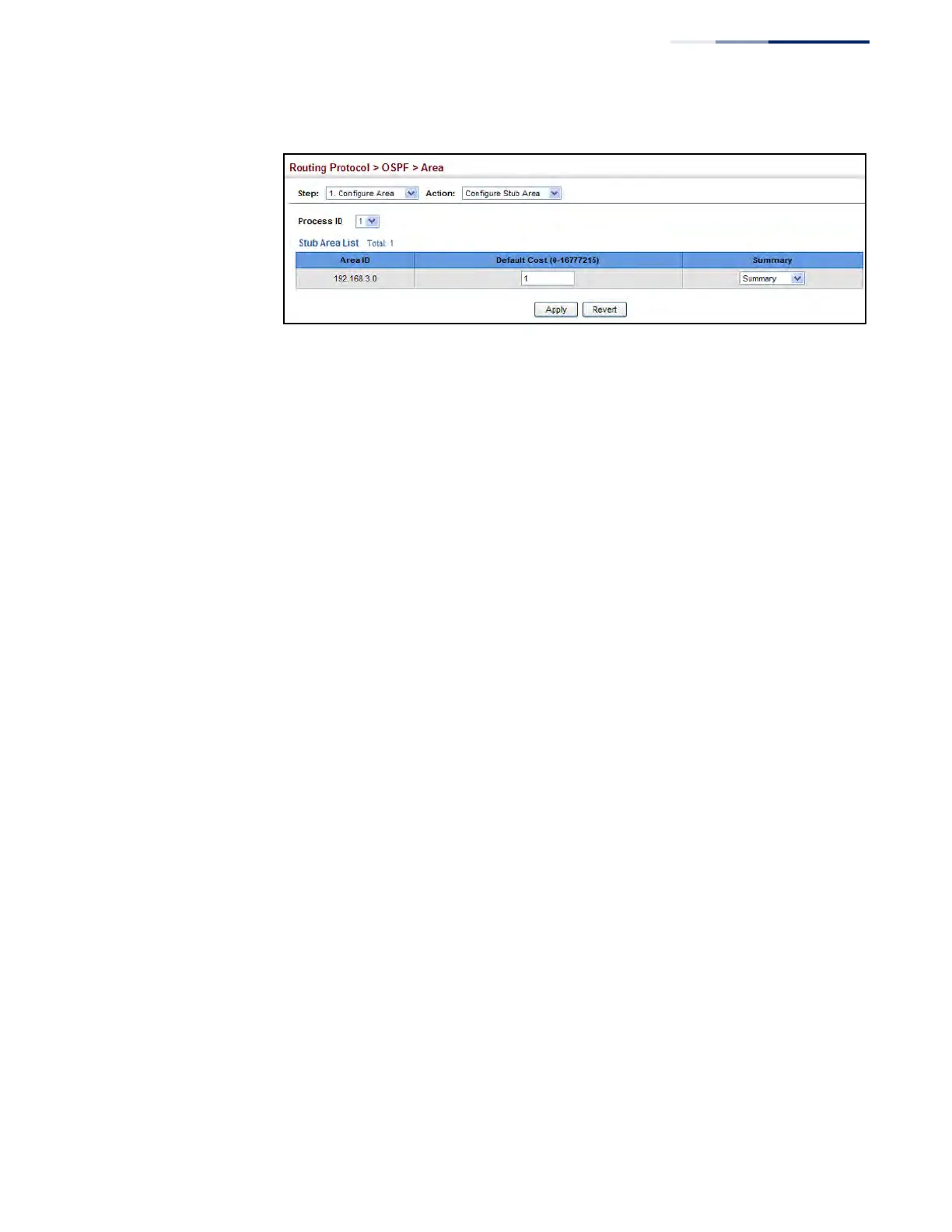
Figure 495: Configuring Protocol Settings for a Stub
Displaying
Information on
NSSA and Stub Areas
Use the Routing Protocol > OSPF > Area (Show Information) page to protocol
information on NSSA and Stub areas.
Parameters
These parameters are displayed:
◆ Process ID – Process ID as configured in the Network Area configuration screen
(see page 717).
◆ Area ID – Identifier for a not-so-stubby area (NSSA) or stub.
◆ SPF Runs – The number of times the Shortest Path First algorithm has been run
for this area.
◆ ABR Count – The number of Area Border Routers attached to this area.
◆ ASBR Count – The number of Autonomous System Boundary Routers attached
to this area.
◆ LSA Count – The number of new link-state advertisements that have been
originated.
◆ LSA Checksum Sum – The sum of the link-state advertisements' LS checksums
contained in this area's link-state database.
Web Interface
To display information on NSSA and stub areas:
1. Click Routing Protocol, OSPF, Area.
2. Select Show Information from the Action list.
3. Select a Process ID.











 To Next Page