Chapter 5
| VLAN Configuration
Configuring VLAN Translation
– 196 –
Web Interface
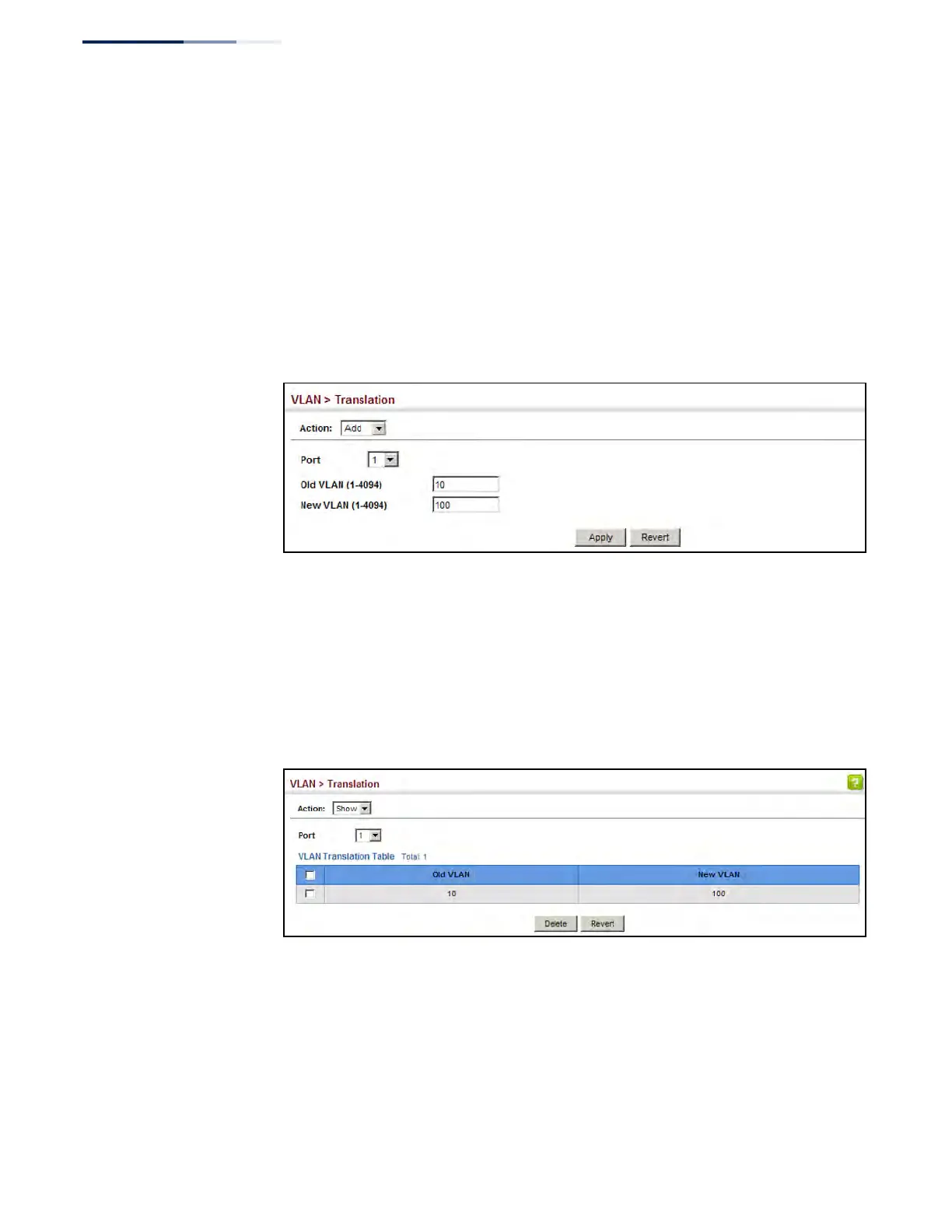
To configure VLAN translation:
1. Click VLAN, Translation.
2. Select Add from the Action list.
3. Select a port, and enter the original and new VLAN IDs.
4. Click Apply.
Figure 97: Configuring VLAN Translation
To show the mapping entries for VLANs translation:
1. Click VLAN, Translation.
2. Select Show from the Action list.
3. Select a port.
Figure 98: Showing the Entries for VLAN Translation











 To Next Page