FOR RESTRICTED USE only Fargo Electronics, Inc.
DTC550 Direct to Card Printer/Encoder User Guide (Rev. 2.8)
4-20
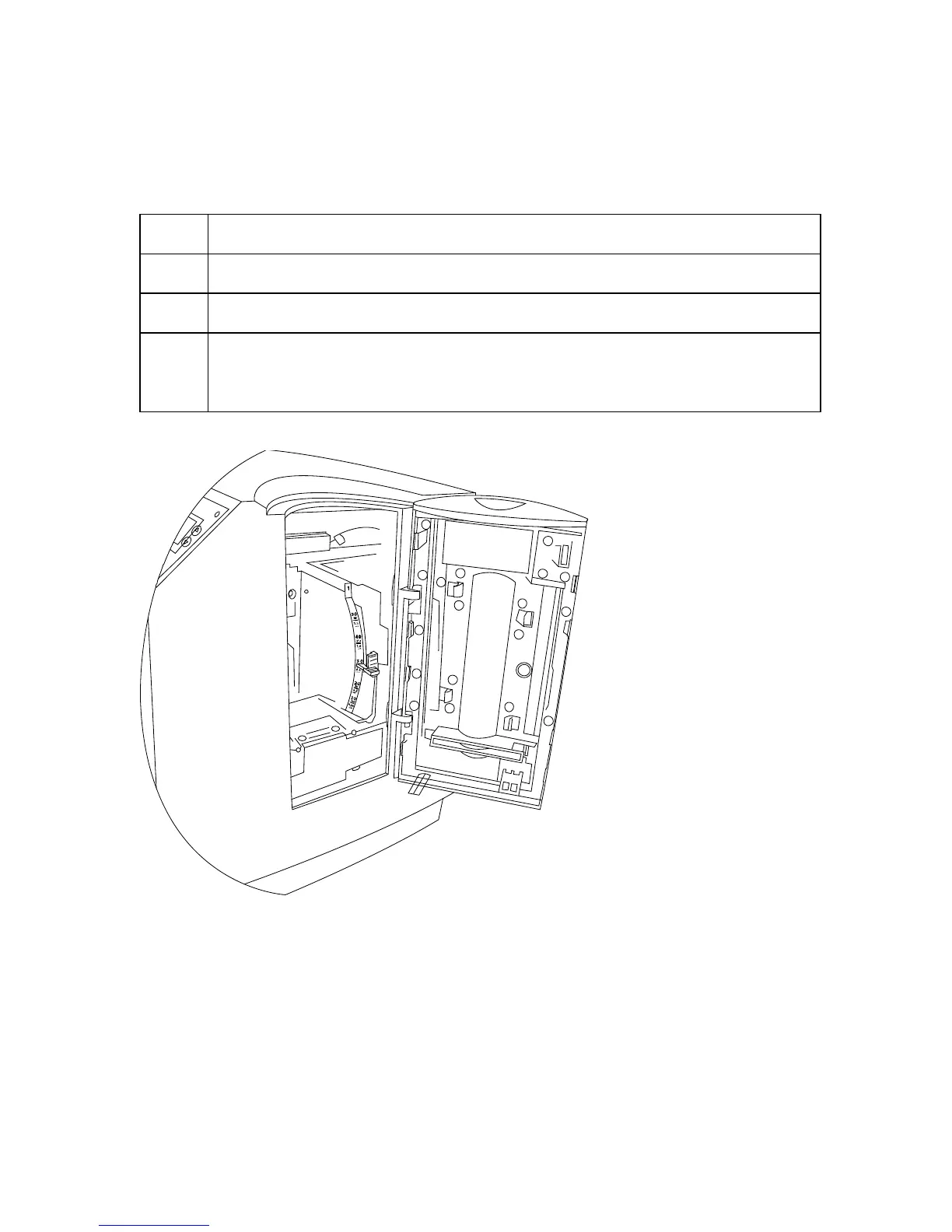
Resolving the Card Hopper Empty Error Message
Symptom: The Hopper Empty error message is displayed on the LCD.
Step Procedure
1 Refill the Hopper when convenient.
2 Be sure to load cards with the mag stripe down toward the rear of the Printer.
3 Turn the Card Sensor off if it is determined that the Hopper’s Card Sensor
cannot see these types of cards. (Note: The activated Sensor indicates to the
Printer that the Card Input Hopper is empty and the cards will not feed.)



 To Next Page