FOR RESTRICTED USE only Fargo Electronics, Inc.
DTC550 Direct to Card Printer/Encoder User Guide (Rev. 2.8)
11-9
Printing the Self-test
Use this option to print a variety of preset test images that can be helpful in ensuring your
Printer is functioning properly.
Once the print Ribbon and cards are installed, a self-test should be performed to check for
proper operation of the Printer.
The standard self-test function requires only that a full-color print Ribbon and at least one
card be installed. (Note: The Printer will begin printing this image as soon as the image has
finished processing.)
Step Procedure
1 When the Printer is powered ON and is sitting idle, its READY screen will
display on the LCD.
Press the MENU button to enter the MAIN MENU screen.
2 Press the SELECT button to enter the PRINT TEST IMAGE menu.
3 Use the scroll buttons to scroll to the type of self-test you would like the
Printer to perform.
• Note the name of each self-test indicates the Ribbon panels required
in order for the self-test to print.
For example, the Color/Resin YMCK self-test can be printed with
either a YMCKO or YMCKOK full-color print Ribbon.
• Press the SELECT button to begin printing. The self-test print will
begin as soon as the test image is processed.
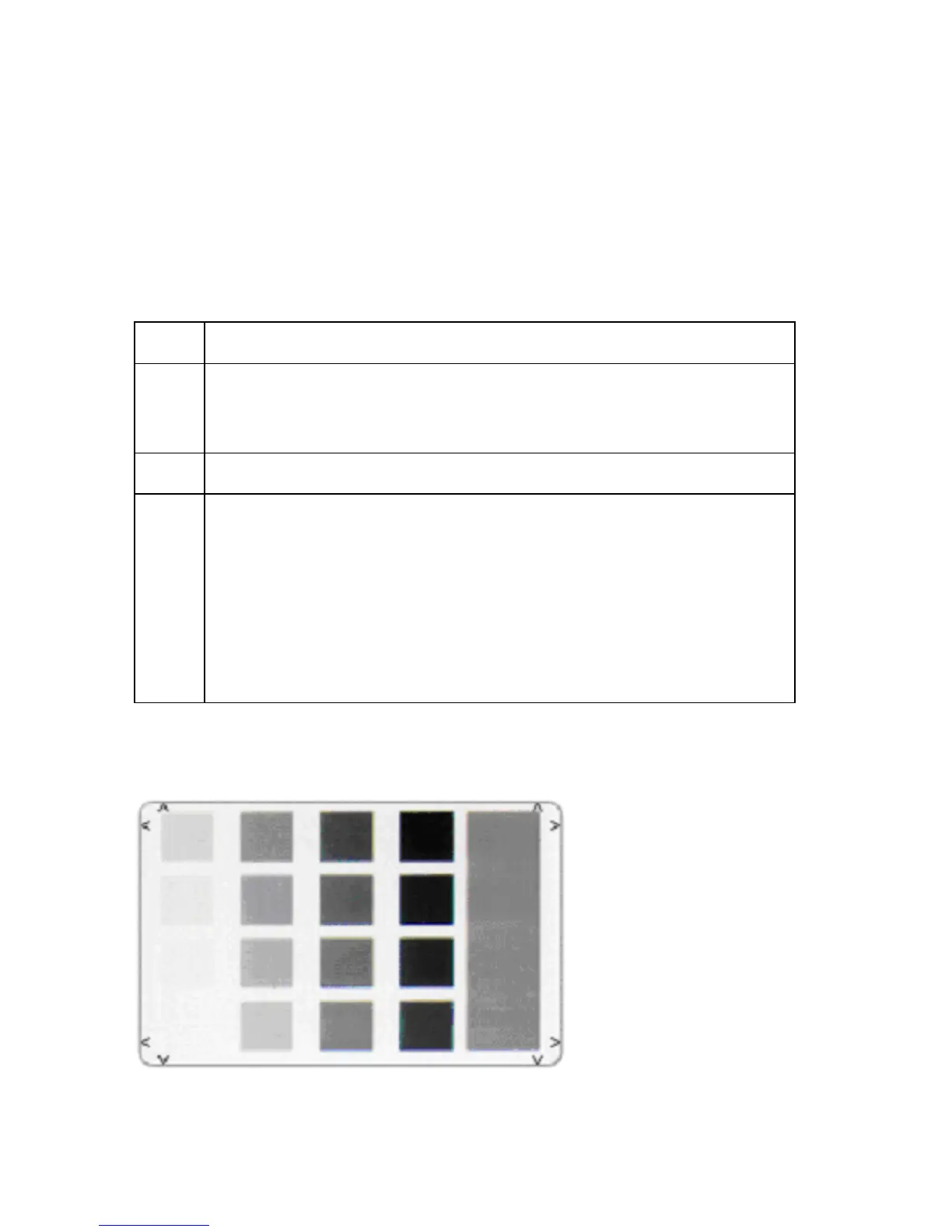
Reviewing the Gray/Align YMC/K Self-Test



 To Next Page