FOR RESTRICTED USE only Fargo Electronics, Inc.
DTC550 Direct to Card Printer/Encoder User Guide (Rev. 2.8)
8-3
Replacing the Card Cleaning Roller
Caution: Replace the Card Cleaning Roller with every Ribbon change,
depending on the cleanliness of the card stock or the environment in which the Printer is
located.
Step Procedure
1 Open the Printer's Top Cover.
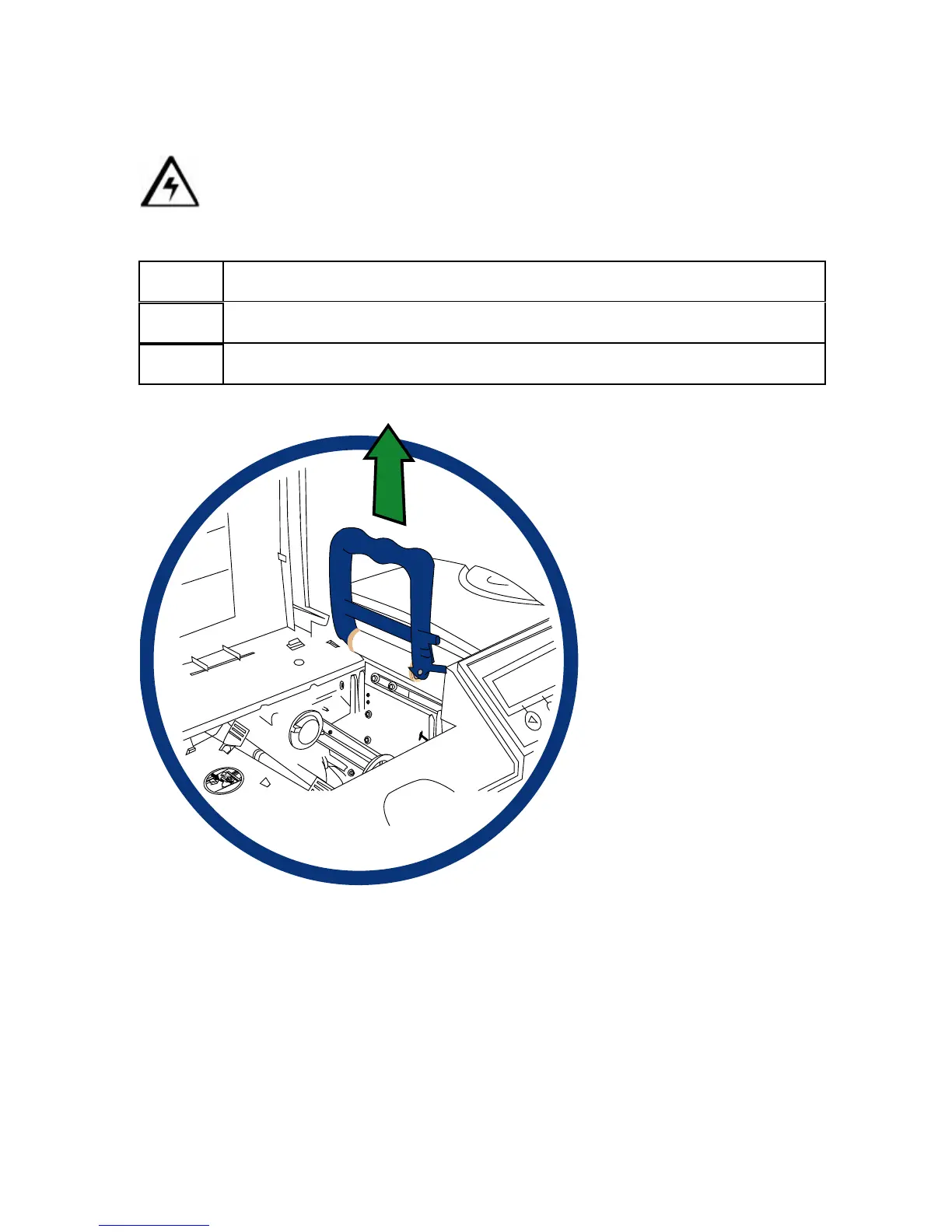
2 Pull the Cleaning Cartridge out of the Printer, as shown below.



 To Next Page