FOR RESTRICTED USE only Fargo Electronics, Inc.
DTC550 Direct to Card Printer/Encoder User Guide (Rev. 2.8)
4-16
Card Feeding Errors
Resolving the Card Feeding Errors
Symptom: Two or more cards feed at the same time or the cards will not feed at all.
Step Procedure
1 Clean the Input Roller.
Leave the Printer power ON throughout this procedure. (Note: The card-
cleaning cartridge can also remain within the Printer during this cleaning
process.)
Use a cleaning card from the Printer Cleaning Kit and remove its adhesive
backing paper.
See Cleaning procedures
in this document.
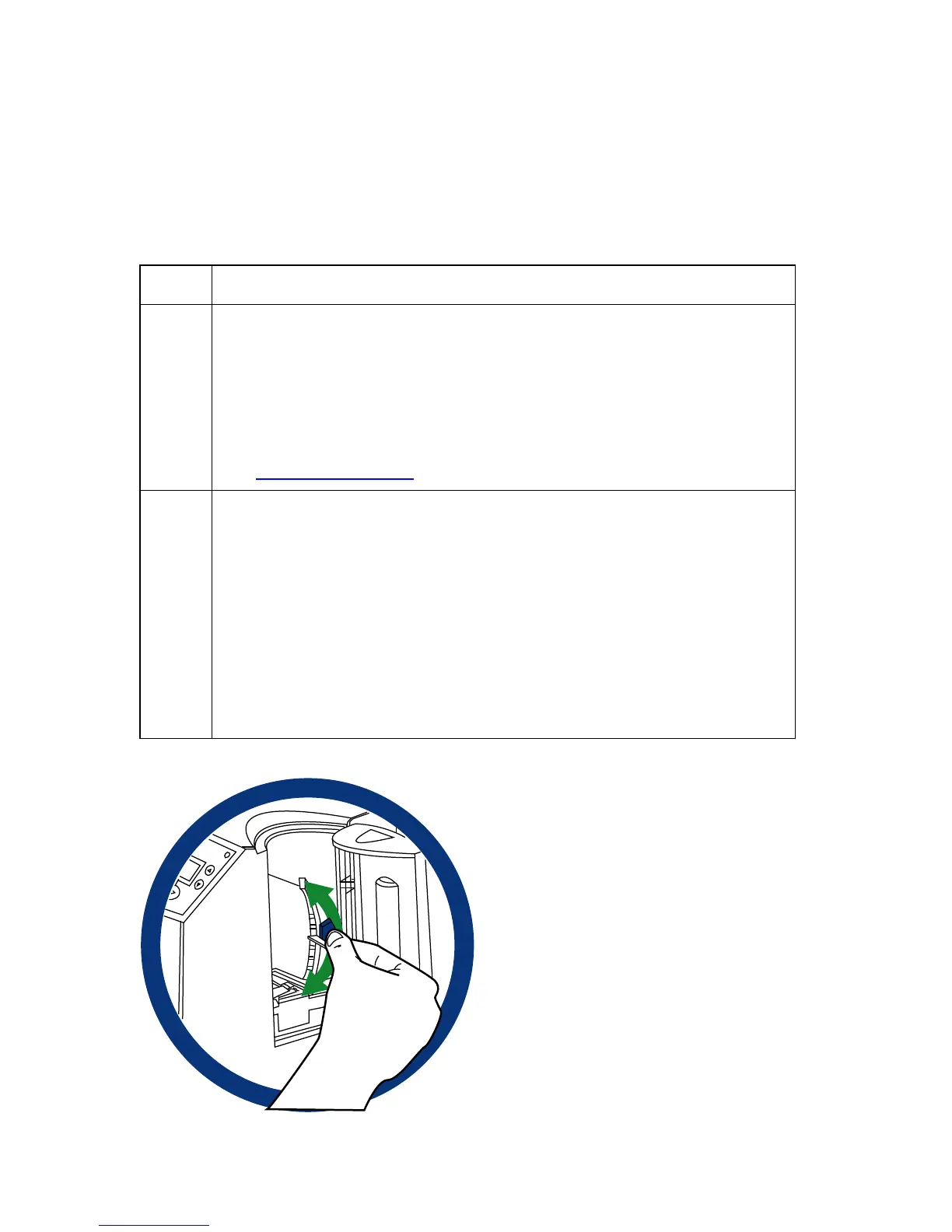
2 Ensure the Card Thickness Lever is set correctly, as shown below.
• Press the Card Thickness Lever Lock and then push the Card
Thickness Lever up or down to the appropriate setting.
• With regards to the Card Thickness settings, move the slide slightly
toward a higher setting until the cards begin feeding (if the Printer
seems unable to feed cards at the selected setting).
• Move the slide slightly toward a lower setting (if the Printer seems to
double-feed cards). (Note: The card thickness slide is adjustable to
accommodate card thickness variations that often occur even within
standard card sizes.)



 To Next Page