FOR RESTRICTED USE only Fargo Electronics, Inc.
DTC550 Direct to Card Printer/Encoder User Guide (Rev. 2.8)
3-20
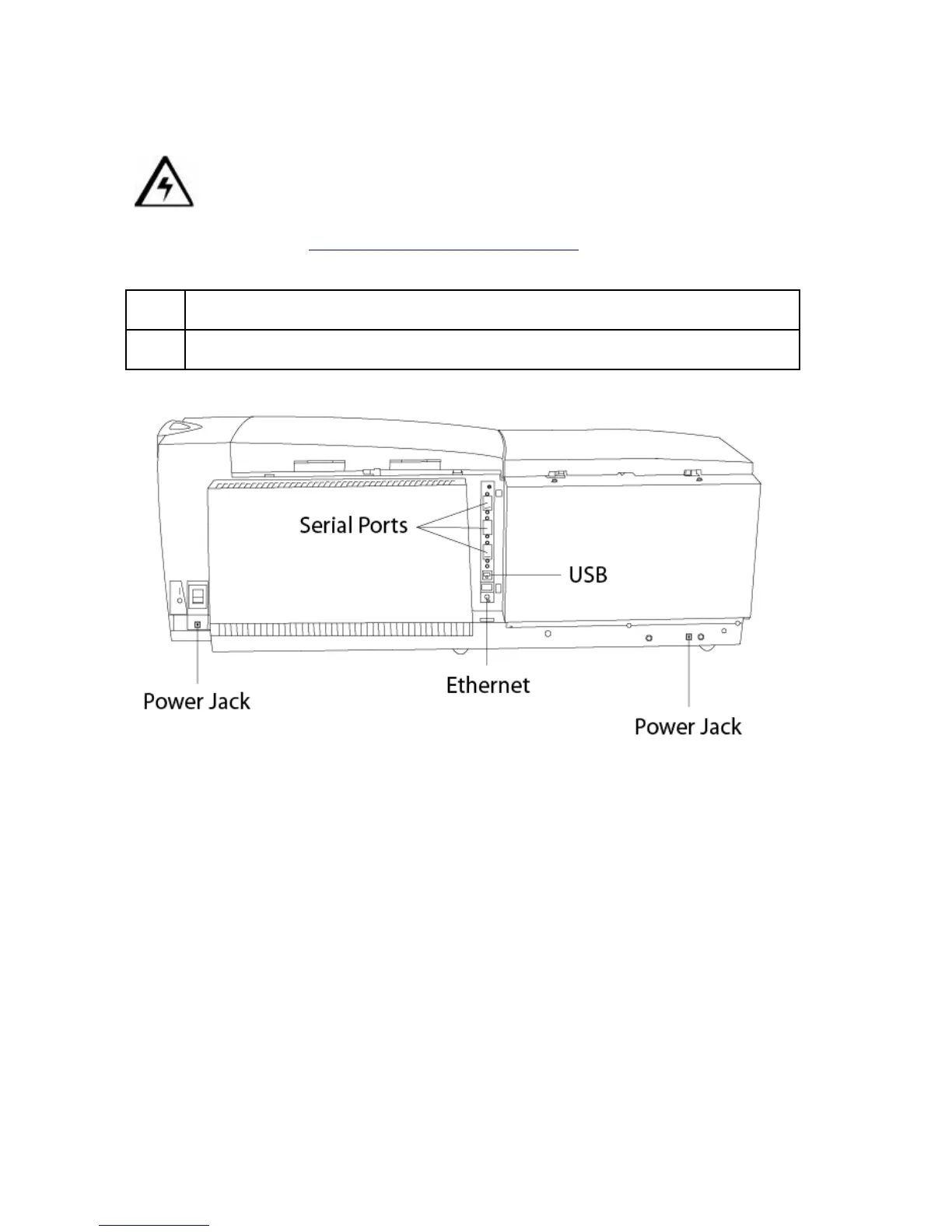
Connecting power to the DTC550 Printer
Caution: Do not remove the red Warning sticker across the USB connection. Do
not plug in the USB cable until prompted to do so during the installation of the DTC550
Printer Driver. See the Installing the DTC550 Printer Driver
procedure.
Step Procedure
1 The Printer connections are shown below.



 To Next Page