FOR RESTRICTED USE only Fargo Electronics, Inc.
DTC550 Direct to Card Printer/Encoder User Guide (Rev. 2.8)
7-6
Telnet Command Line Interface
Initiating a Telnet Session
This procedure shows how to initiate a Telnet session from a PC in order to access the
Telnet services provided by the Printer.
Description
Initiating a
Telnet
session
Follow these instructions to issue Telnet commands.
1. Identify the IP address of your Printer. (Note: See Accessing the IP
Address.)
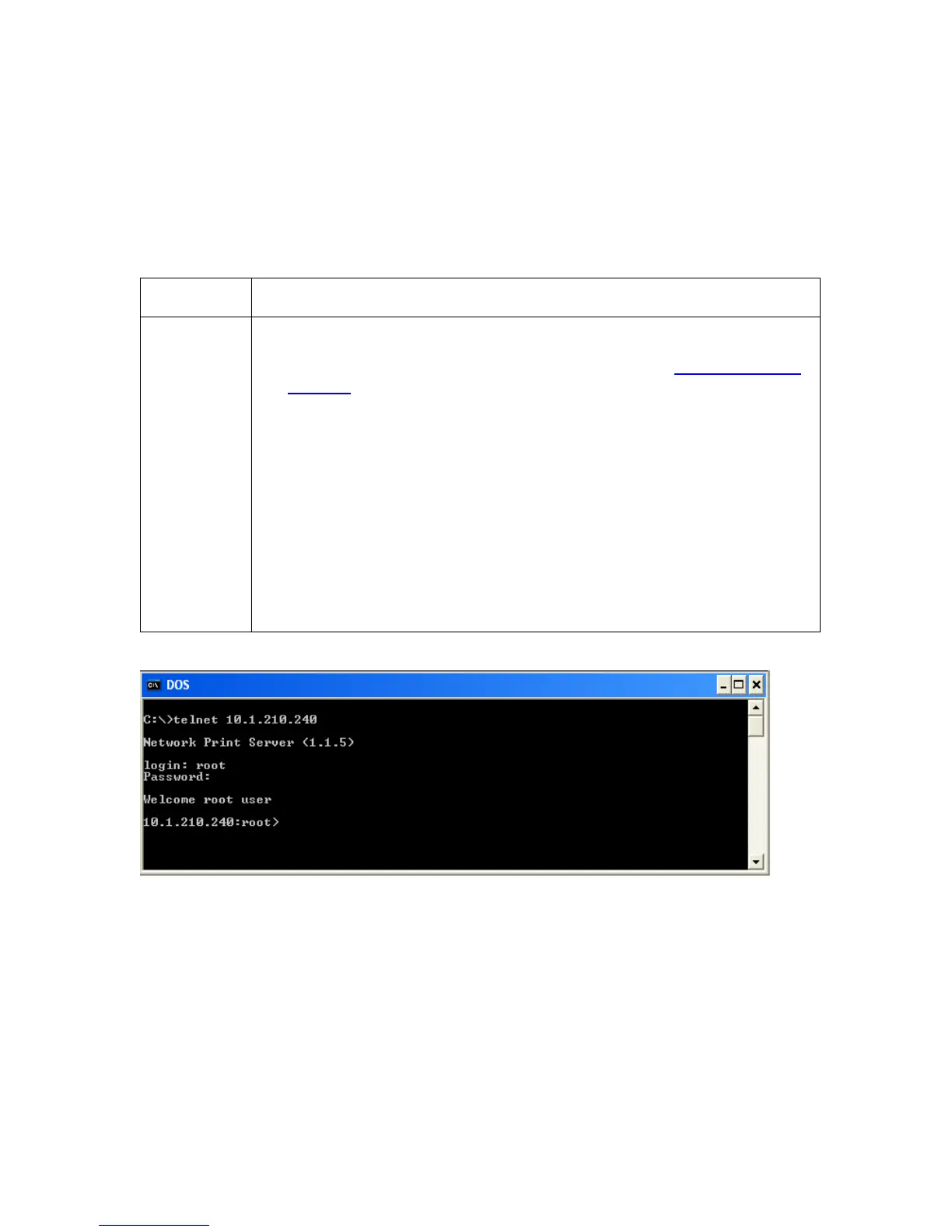
2. Initiate a Telnet session from a DOS window on your PC. At the DOS
prompt, enter telnet [IP Address]
• Example: C:\>telnet 192.168.11.12
• All Telnet responses from the Printer will then be displayed in the
Telnet session on the PC.
• All commands entered will be sent to the Telnet client in the
Printer.
3. Enter “help” or “?” to get an on-window list of supported Telnet
commands.



 To Next Page