FOR RESTRICTED USE only Fargo Electronics, Inc.
DTC550 Direct to Card Printer/Encoder User Guide (Rev. 2.8)
6-57
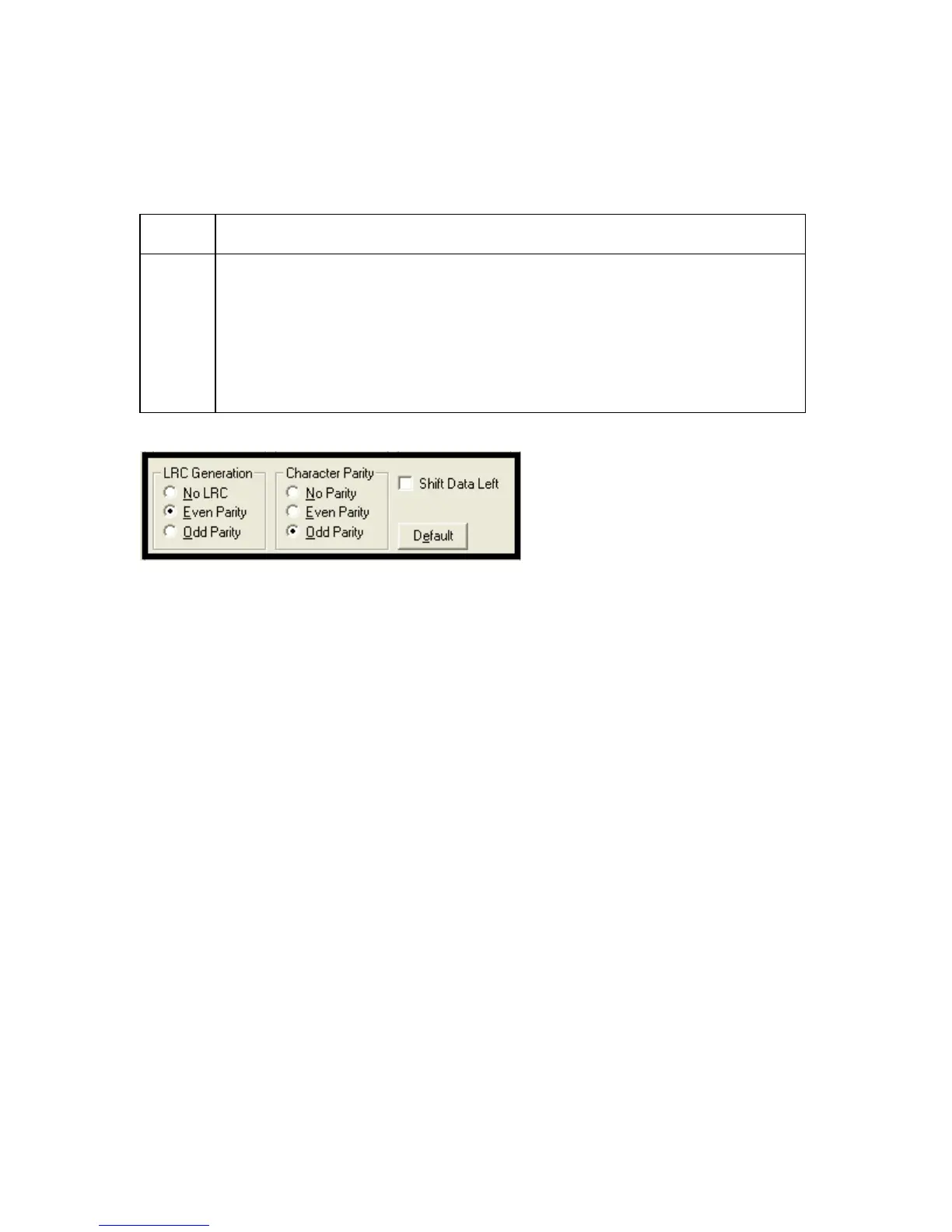
Using the Character Parity radio buttons
Use this option to customize the Character Data Parity (used to encode the magnetic
data on the currently selected track).
Step Procedure
1
• Select No Parity to change the Character Parity to none.
OR
• Select Even Parity to change the Character Parity to Even Parity.
OR
• Select Odd Parity to change the Character Parity to Odd Parity.



 To Next Page