FOR RESTRICTED USE only Fargo Electronics, Inc.
DTC550 Direct to Card Printer/Encoder User Guide (Rev. 2.8)
6-47
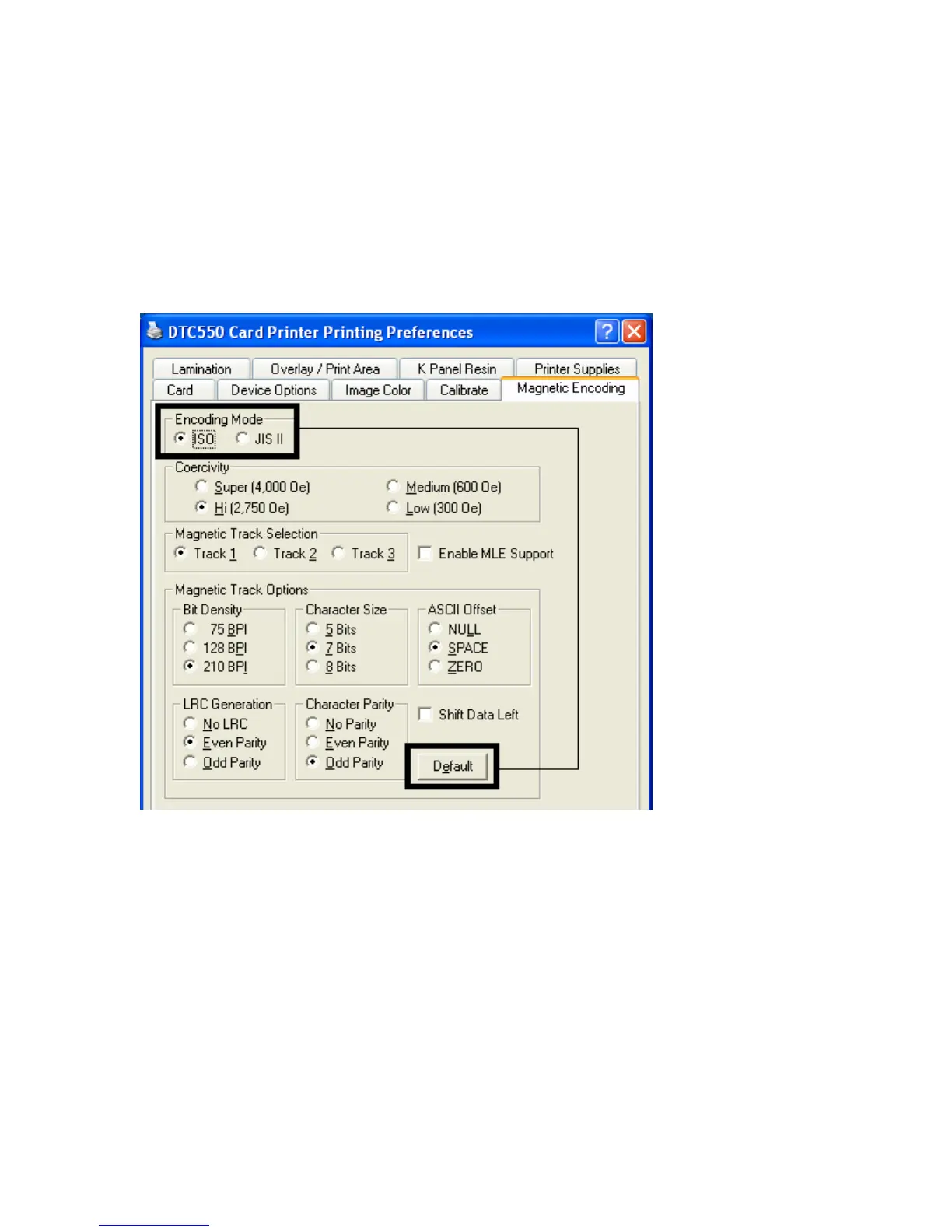
Using the Encoding Mode option
Use the Encoding Mode option to specify which magnetic encoding standard to use.
• The DTC550 Card Printer can be installed with one of two types of factory-installed
Magnetic Stripe Encoding Modules.
• Change the encoding mode and coercivity setting or modify the ISO standards for
tracks 1, 2 and 3, by correctly modifying these Magnetic Encoding options.



 To Next Page