FOR RESTRICTED USE only Fargo Electronics, Inc.
DTC550 Direct to Card Printer/Encoder User Guide (Rev. 2.8)
6-68
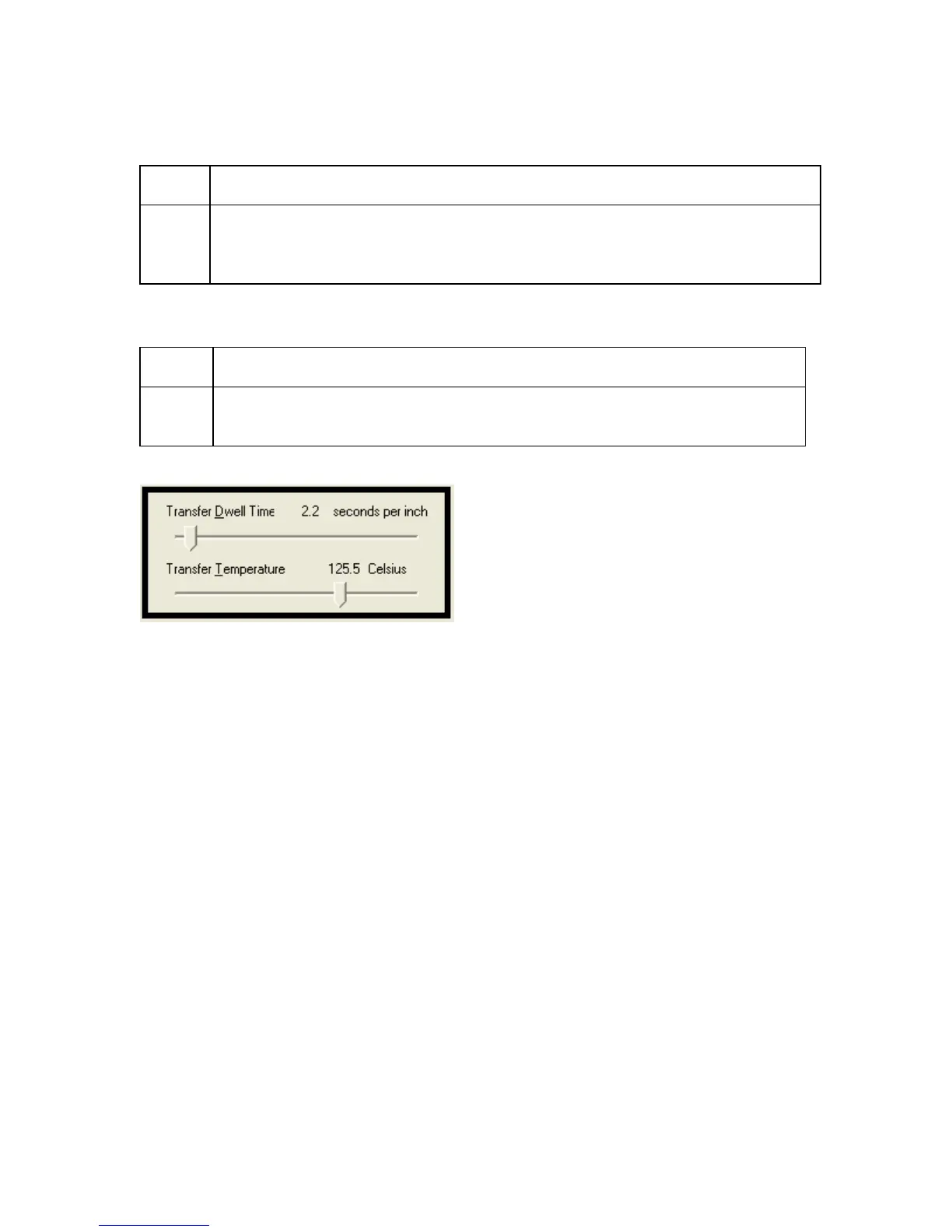
Adjusting the Transfer Dwell Time and Transfer Temperature
Step Procedure
1 Adjust the Transfer Dwell Time and the Transfer Temperature to control the
Lamination Dwell Time or through-put speed of a card in seconds/inch and the
Lamination Temperature.
Selecting Default button
Step Procedure
1 Select the Default button to return the Transfer Dwell Time and Transfer
Temperature to their default settings.



 To Next Page