FOR RESTRICTED USE only Fargo Electronics, Inc.
DTC550 Direct to Card Printer/Encoder User Guide (Rev. 2.8)
1-11
Reviewing the Lamination Module Sequence of Operations (continued)
Step Process
14 The Flipper Table Motor activates until the Flipper Table is homed.
15 The Flipper Table Clutch disengages.
16 Repeat Steps 2 through 7.
17 The card is fed out of the Printer.
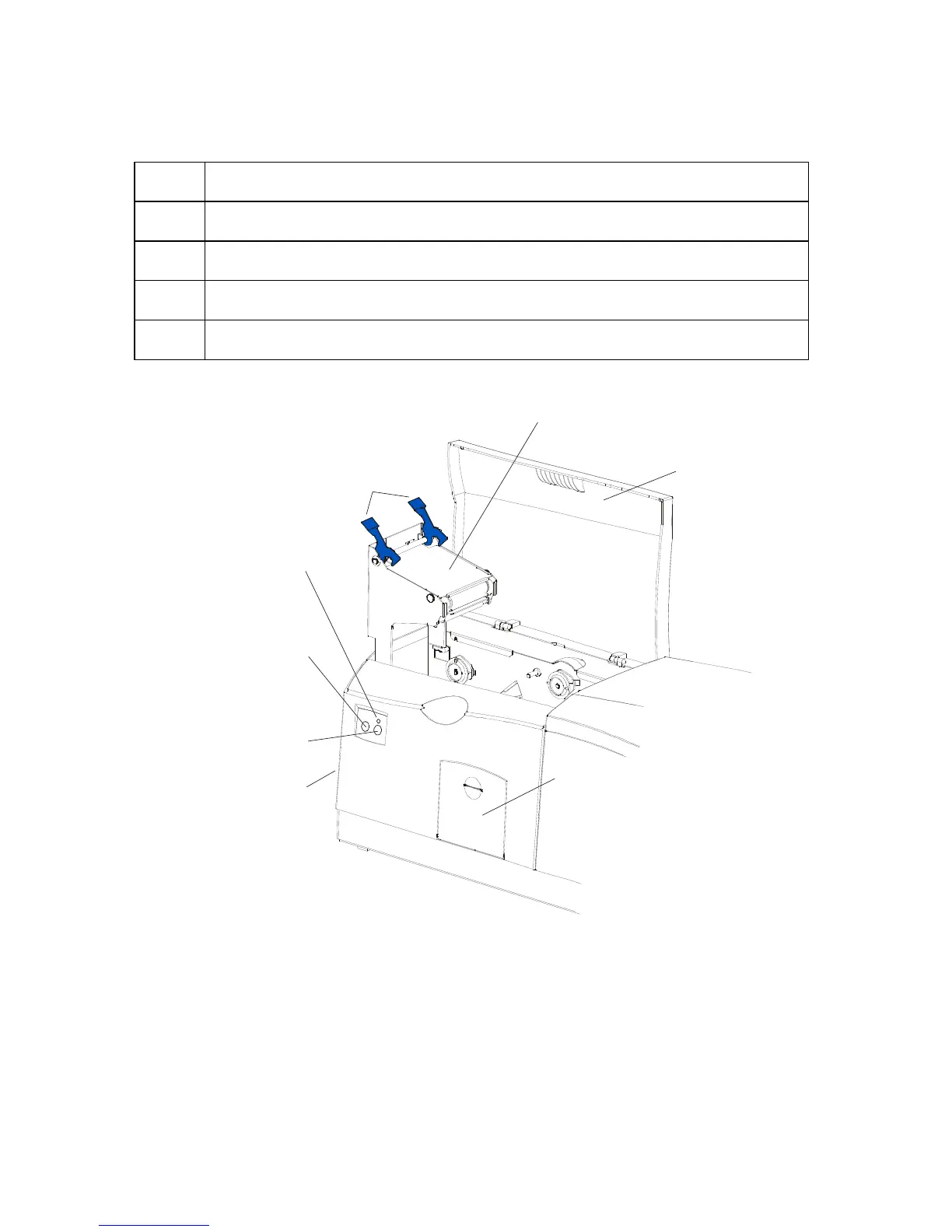
Lamination
Top Cover
Securing
Latches
Lamination Station
Lamination
LED Light
Cancel
Button
Resume
(pause) Button
Rejection
Card Hopper
Card Output
Hopper



 To Next Page