FOR RESTRICTED USE only Fargo Electronics, Inc.
DTC550 Direct to Card Printer/Encoder User Guide (Rev. 2.8)
7-61
Verifying that your PC can access the Printer using the ping
command
Step Procedure
1 Follow these instructions to issue a ping command to the Printer:
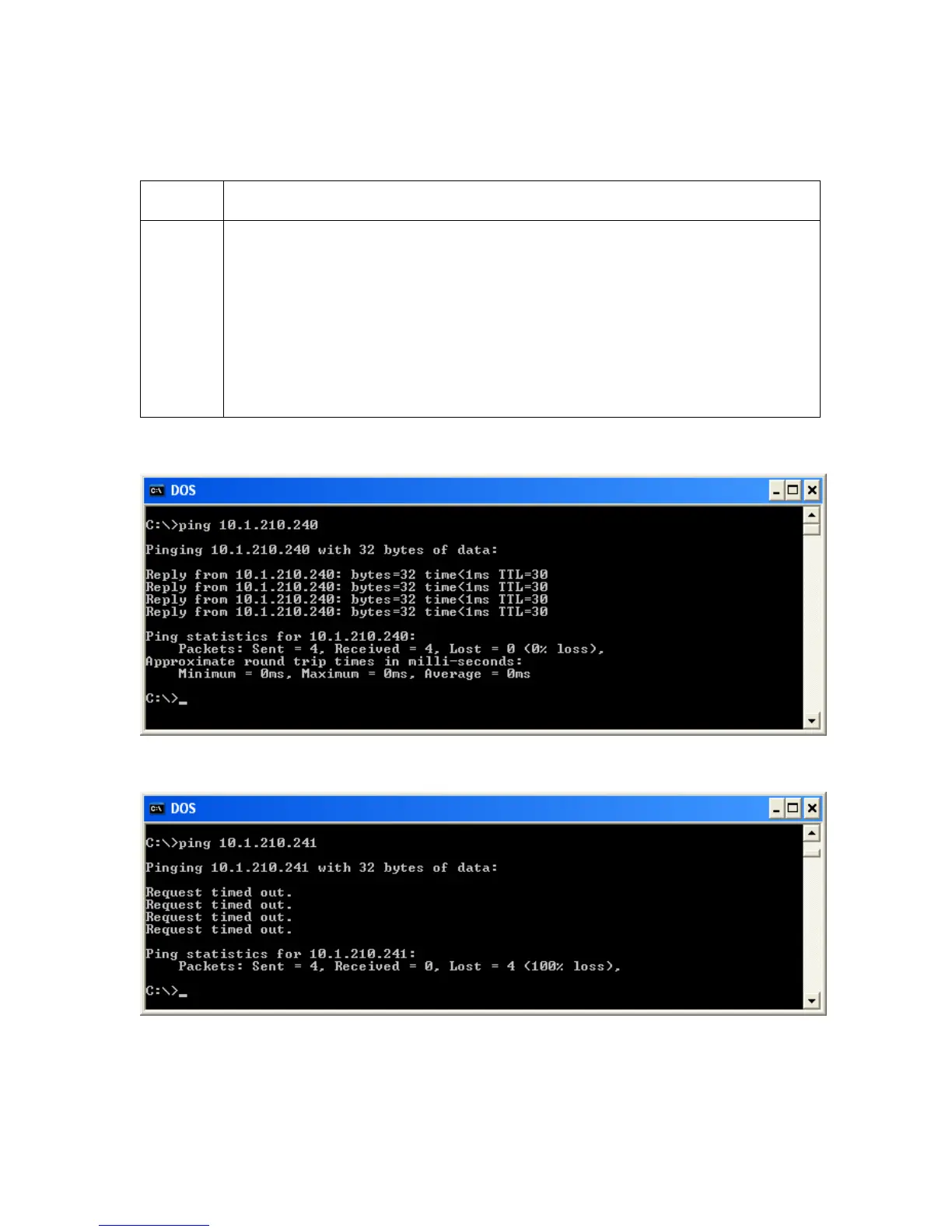
At a DOS prompt, enter ping [IP Address]
Example: C:\>ping 210.1.10.240
• If the ping response is successful, move on to the next troubleshooting
procedure. See Display A below.
• If the ping response is not successful, continue to step 2 of this
procedure. See Display B below.
Display A - Example of sending a ping to the Printer with a successful response
Display B - Example of ping timeout to an invalid IP address



 To Next Page