FOR RESTRICTED USE only Fargo Electronics, Inc.
DTC550 Direct to Card Printer/Encoder User Guide (Rev. 2.8)
7-59
Ethernet Printer Troubleshooting Procedures
Troubleshooting procedures
If you are having trouble connecting to your Ethernet Printer or printing to it, you should
go through each of the following procedures.
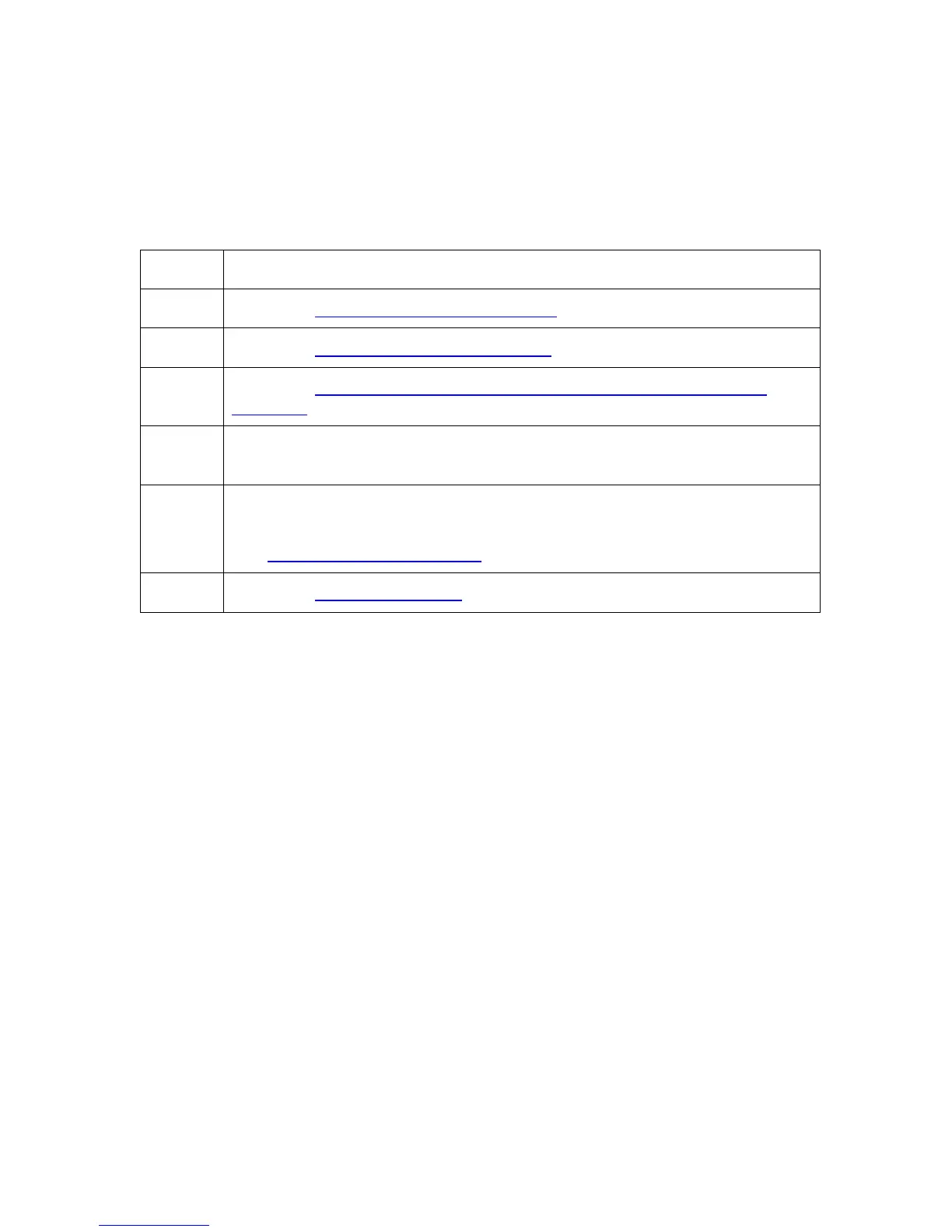
Step Procedure
1 Follow the Verifying the Printer Connection procedure.
2 Follow the Verifying the Printer IP address procedure.
3 Follow the Verifying that your PC can access the Printer using the ping
command procedure.
4 Verify that you are choosing the correct Printer Driver. (Note: The Driver
must match the model of the Printer.)
5 Verify that the port configuration of the PC Printer Driver is set to
communicate to the Printer over the correct IP address.
See Frequently-asked Questions
.
6 Follow the Printing a test page procedure.



 To Next Page