FOR RESTRICTED USE only Fargo Electronics, Inc.
DTC550 Direct to Card Printer/Encoder User Guide (Rev. 2.8)
6-33
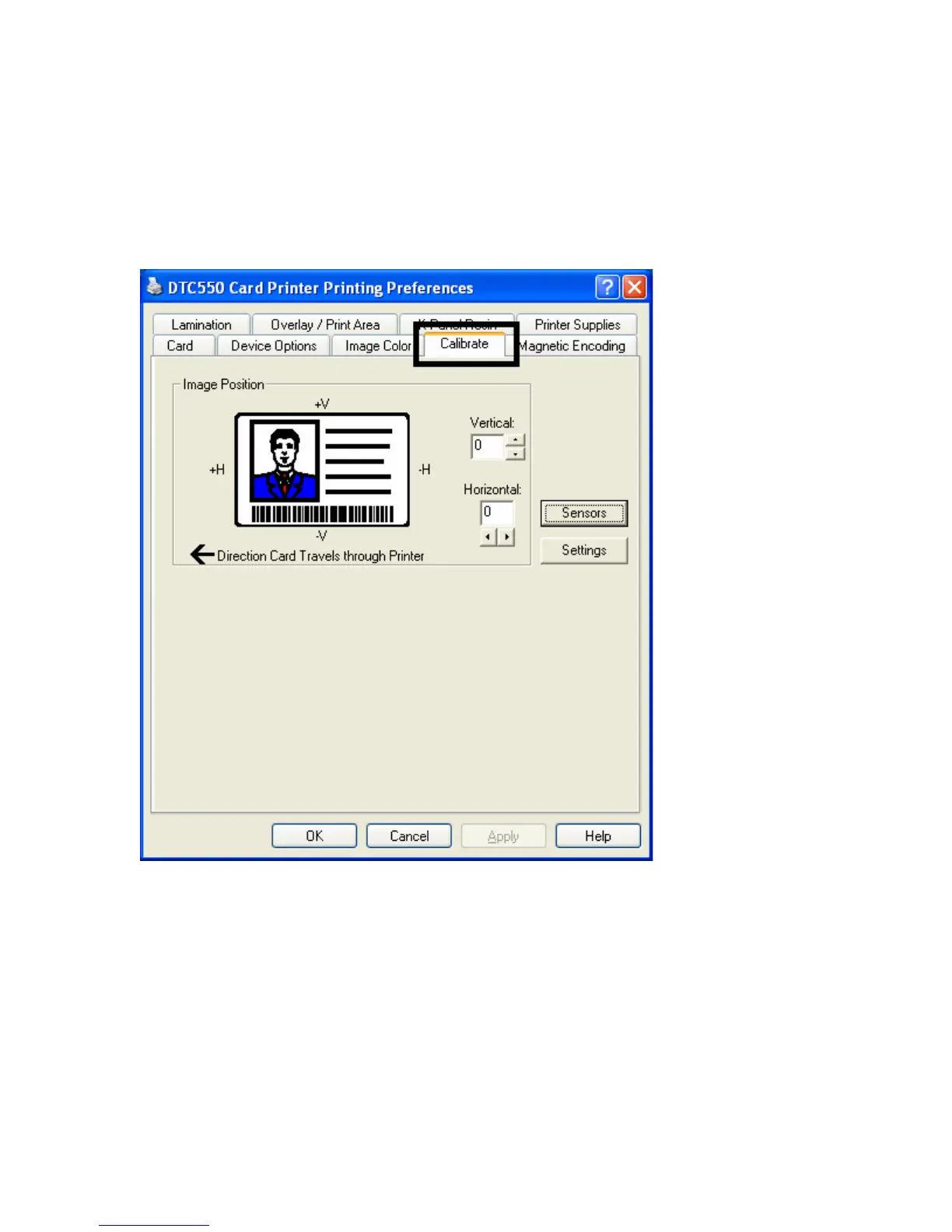
Using the Calibrate tab
Use the Calibrate tab to (a) control the position of the printable area in relation to the
card, (b) calibrate Sensors and (c) adjust the internal Printer settings that are customized
for every Printer and saved directly within the Printer's memory.



 To Next Page