FOR RESTRICTED USE only Fargo Electronics, Inc.
DTC550 Direct to Card Printer/Encoder User Guide (Rev. 2.8)
2-38
Fluorescing Panel – Application Specifications
Inserting Fluorescent Text
Step Procedure
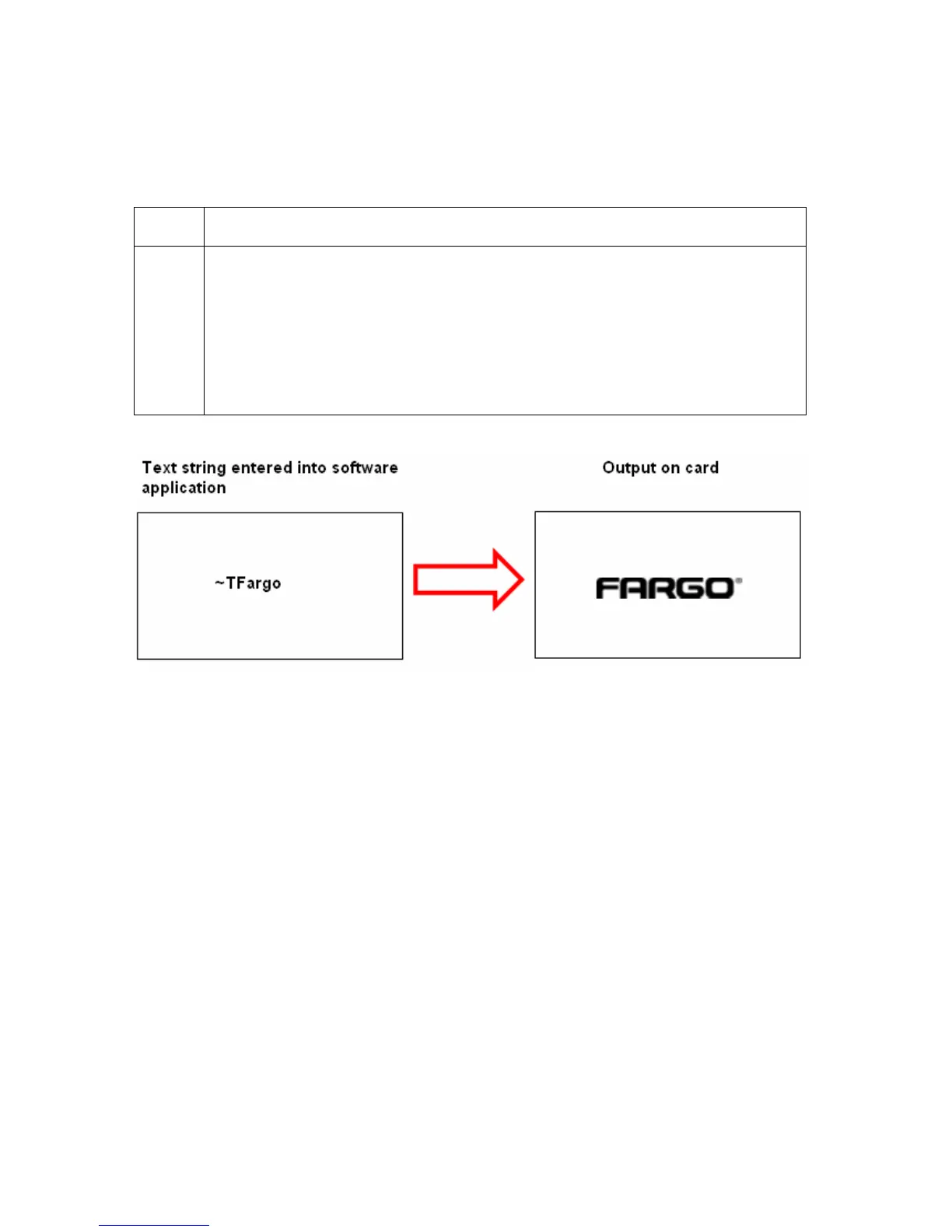
1 Create fluorescent text in the body of an image by creating a text string which
begins with a ~T.
• For example, the text string of ~TFargo would appear on the card as just
Fargo.
• The location of the text will be dictated by the ~.
• The format of the string will be as entered (i.e. font, size, etc.).



 To Next Page