FOR RESTRICTED USE only Fargo Electronics, Inc.
DTC550 Direct to Card Printer/Encoder User Guide (Rev. 2.8)
7-19
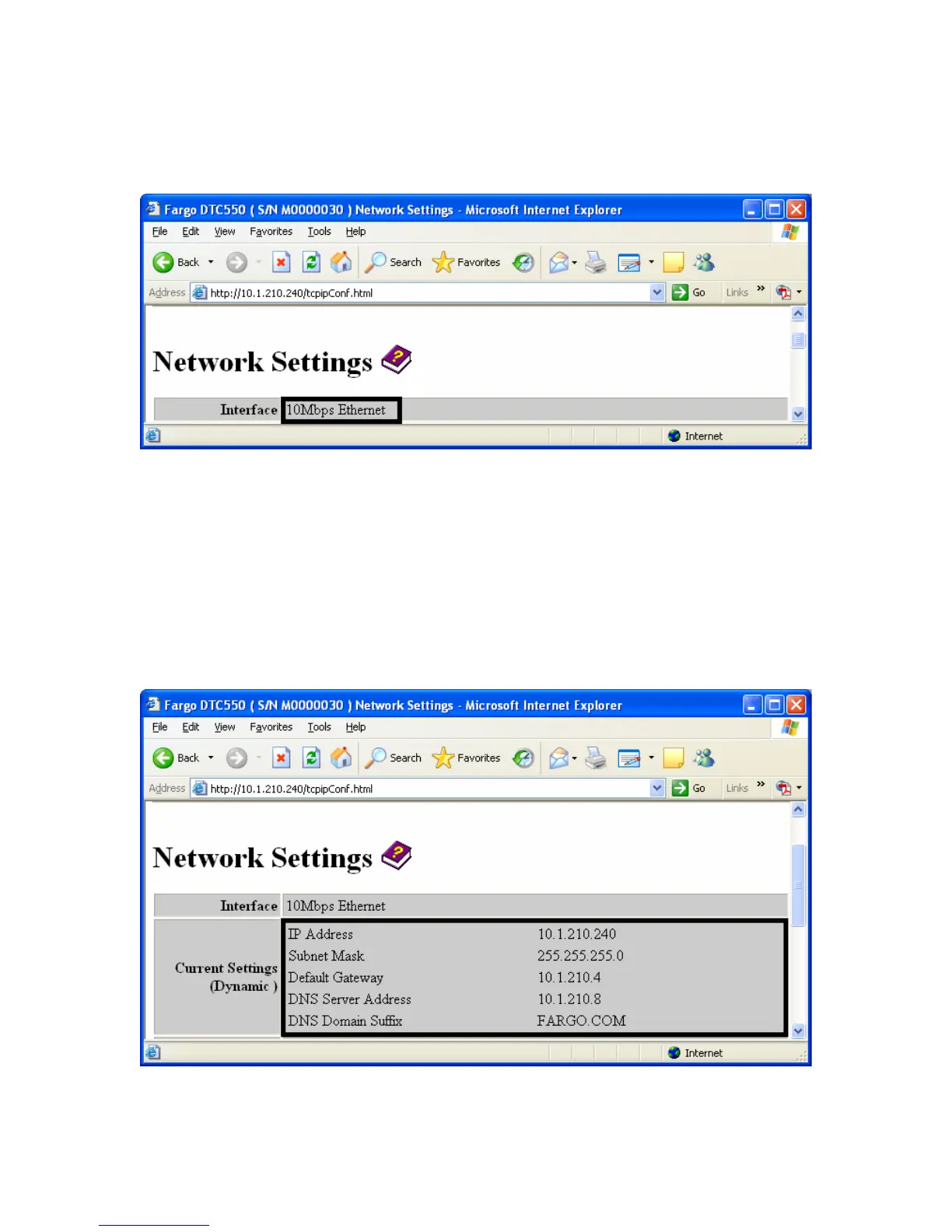
Reviewing the Interface
The Interface display indicates the network speed supported by the Printer.
Reviewing the Current Settings
The Current Settings page section displays the current active network settings for the
Printer.
• These are also labeled as “Dynamic” if they were provided by DHCP or “Static” if
they came from the Stored Settings.
• The current settings will be “Dynamic” only if Obtain an IP address automatically
was selected when the Printer was restarted last.



 To Next Page