FOR RESTRICTED USE only Fargo Electronics, Inc.
DTC550 Direct to Card Printer/Encoder User Guide (Rev. 2.8)
2-39
Insert Fluorescent Image
Step Procedure
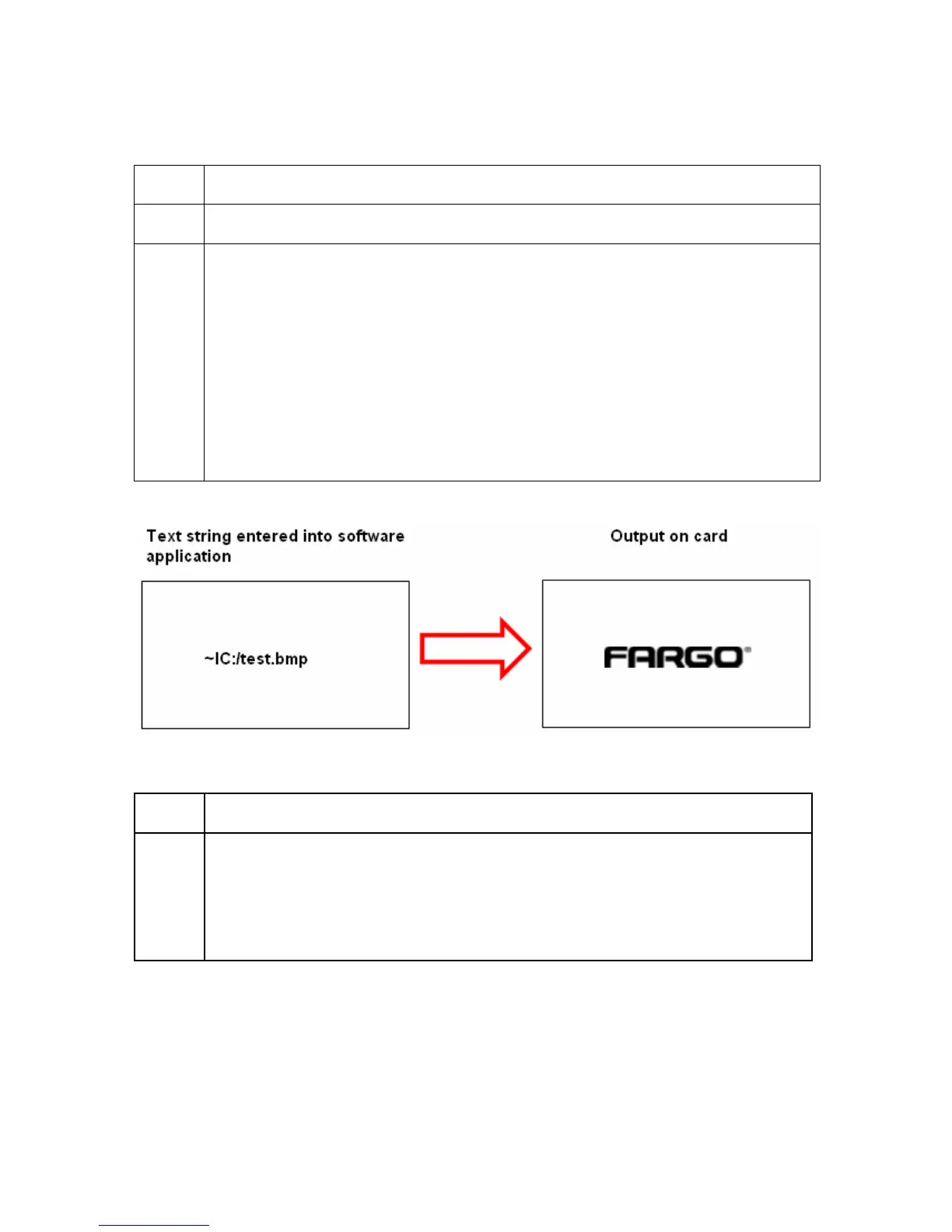
1 Save a 1-bit bmp file that is 300x300 dpi somewhere that is easily accessible.
2 In order to import the file onto your card, you will need to paste the path of the
image onto your card preceded by ~I.
• For example, ~IC:/test.bmp would insert the image named test.bmp onto
the card.
• The location of the image will be dictated by the ~.
• The image will not be scaled. For example, if it is a 300x300 dpi image, it
will print 1”x1”.
**Please note that the fluorescent text or image can only be printed on the one
side of the card.
Printing Dynamic Text
Step Procedure
1 If the application supports dynamic text and images, then dynamic text can
also be printed with the Fluorescing Panel. Follow the application directions to
map a text field to a data source.
“~T” must be included in the beginning of the expression or in the beginning
of the data.



 To Next Page