FOR RESTRICTED USE only Fargo Electronics, Inc.
DTC550 Direct to Card Printer/Encoder User Guide (Rev. 2.8)
6-86
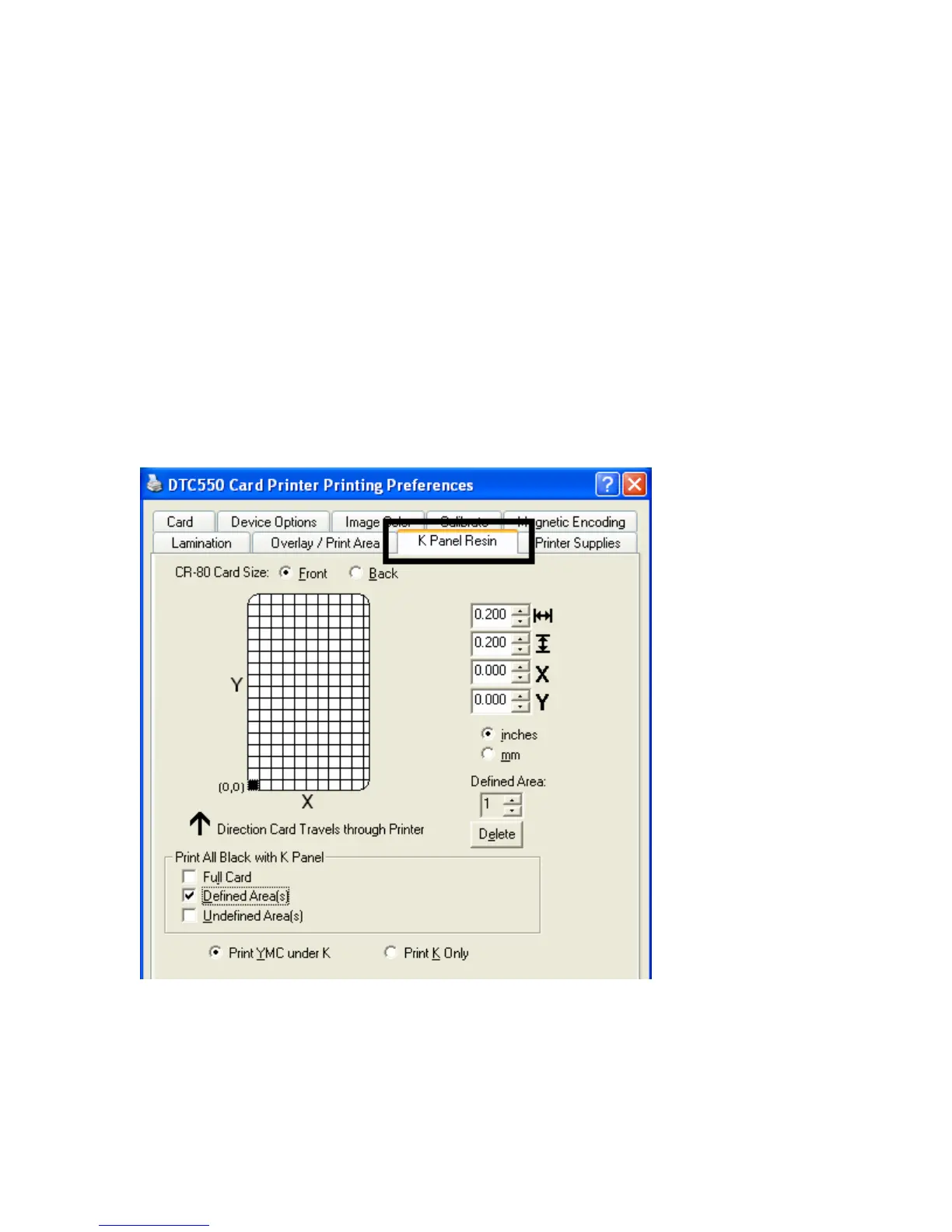
Using the K Panel Resin tab
Use this tab to adjust the Print All Black with K Panel (options) and the Defined Areas.
Use this tab to control where the resin black (K) panel of a full-color Ribbon is printed.
• Resin black text is desirable due to its sharp, saturated color and resin black
barcodes are required to ensure readability when scanned by an infrared barcode
reader. (Note: The Printer Driver will automatically print all TrueType black text and
TrueType barcodes only with the resin black (K) panel of the Print Ribbon by
default.)
• If printing black text or barcodes that are not TrueType fonts or black graphics,
select one of the three options listed under Print All Black with K Panel. See
below. (Note: The Printer Driver will print areas of the image where it finds black
coloring with the Print Ribbon's resin black (K) panel, as specified by each of the
following options.)



 To Next Page