FOR RESTRICTED USE only Fargo Electronics, Inc.
DTC550 Direct to Card Printer/Encoder User Guide (Rev. 2.8)
2-19
Printer Components: LCD and Softkey Control Pad (continued)
Component Description
The Cancel
button
Use this button to cancel print jobs and reset the Printer for the
next print job.
This Cancel function will ask if you wish to cancel just the
individual job or all jobs in the queue. You may also resume the
current job by pressing NO.
Pause button Use this button to pause the Printer at any time during operation.
(Note: The Printer will always finish its current task before
pausing. When the Printer is paused, the LED light will flash and
the Pause softkey button will change to Resume.)
Press Resume to continue Printer operation.
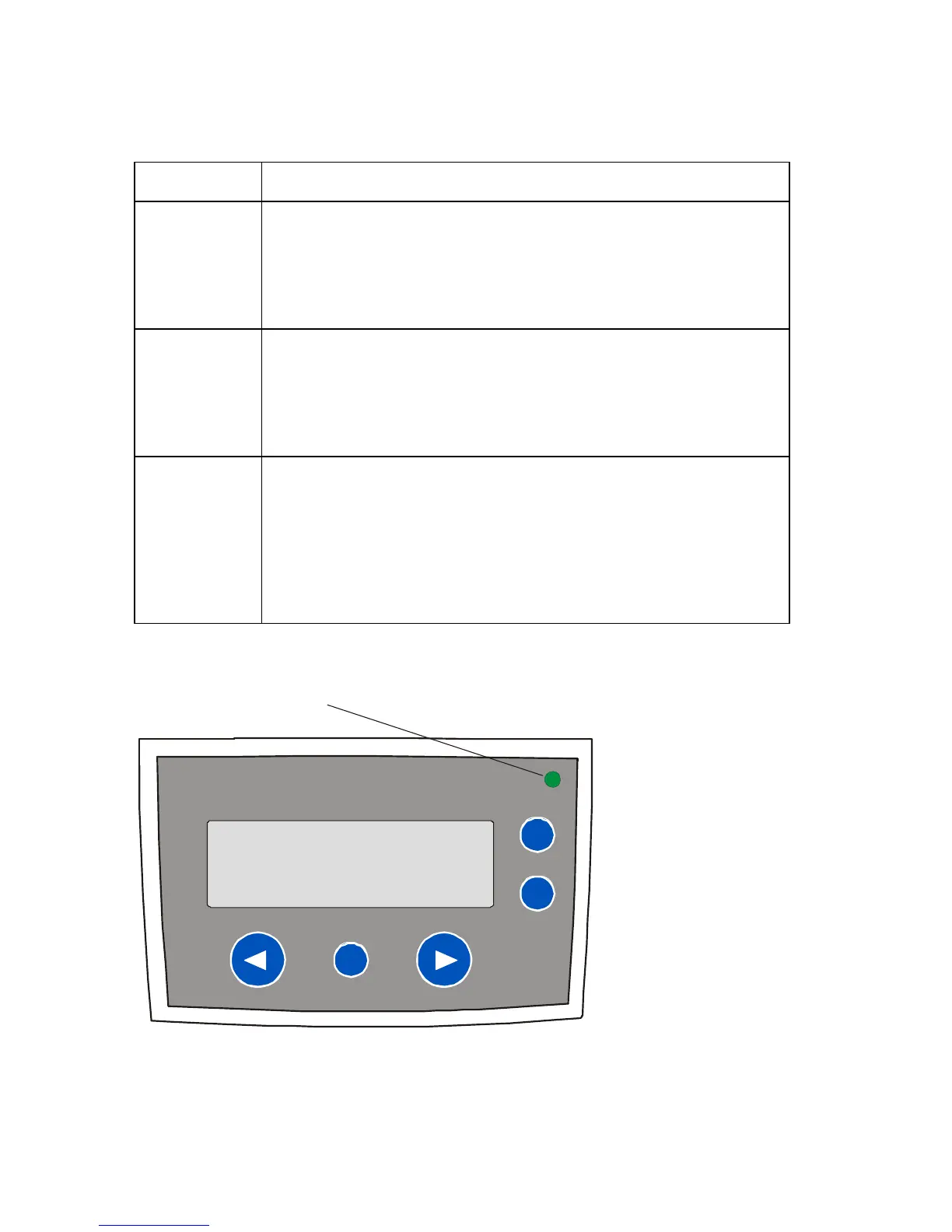
LED light This light works in conjunction with the Printer's LCD display to help
communicate the Printer's current status. (Note: It is especially
effective when the User is too far away from the Printer to read the
LCD display.)
See the descriptions for Error Screens and Attention Screens
below this LED Light display for more detail on the Printer's LCD
display.
LED Light



 To Next Page