FOR RESTRICTED USE only Fargo Electronics, Inc.
DTC550 Direct to Card Printer/Encoder User Guide (Rev. 2.8)
6-71
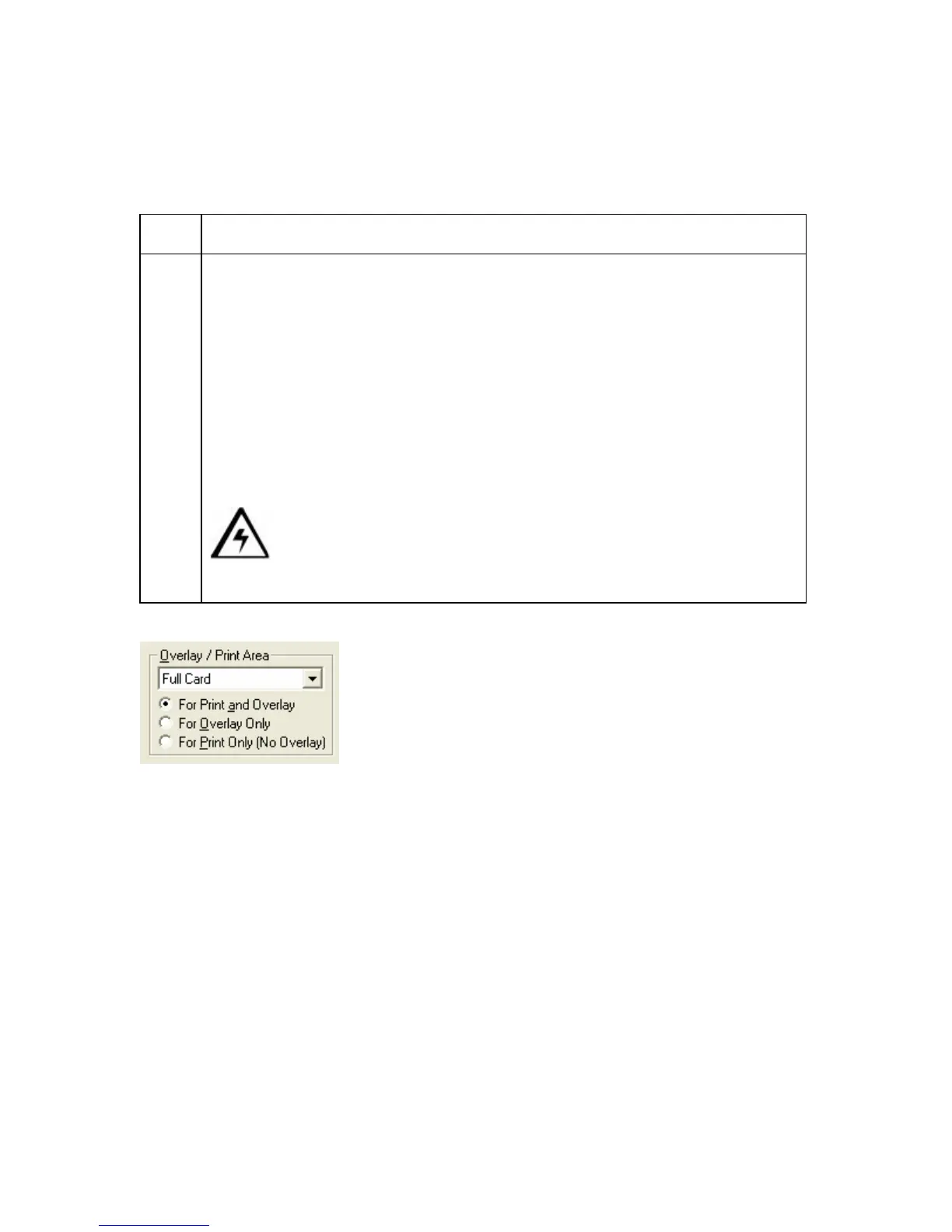
Using the Overlay/Print Area radio buttons
Use these Overlay/Print Area options to control both the print and overlay together or
control each individually.
Step Procedure
1A Select For Print and Overlay for the defined area to apply to both the
printing and overlay process.
OR
Select For Overlay Only for the defined area to apply only to the overlay
process. (Note: In this mode, printing will still be allowed over the entire card
and only the overlay will be affected.)
OR
Select For Print Only (No Overlay) for the defined area to apply only to the
print process. (Note: In this mode, the overlay is completely disabled; so it
will not be applied.)
Caution: An overlay or an overlaminate must protect Dye-
Sublimation printing or it will quickly begin to wear or fade.



 To Next Page