FOR RESTRICTED USE only Fargo Electronics, Inc.
DTC550 Direct to Card Printer/Encoder User Guide (Rev. 2.8)
6-31
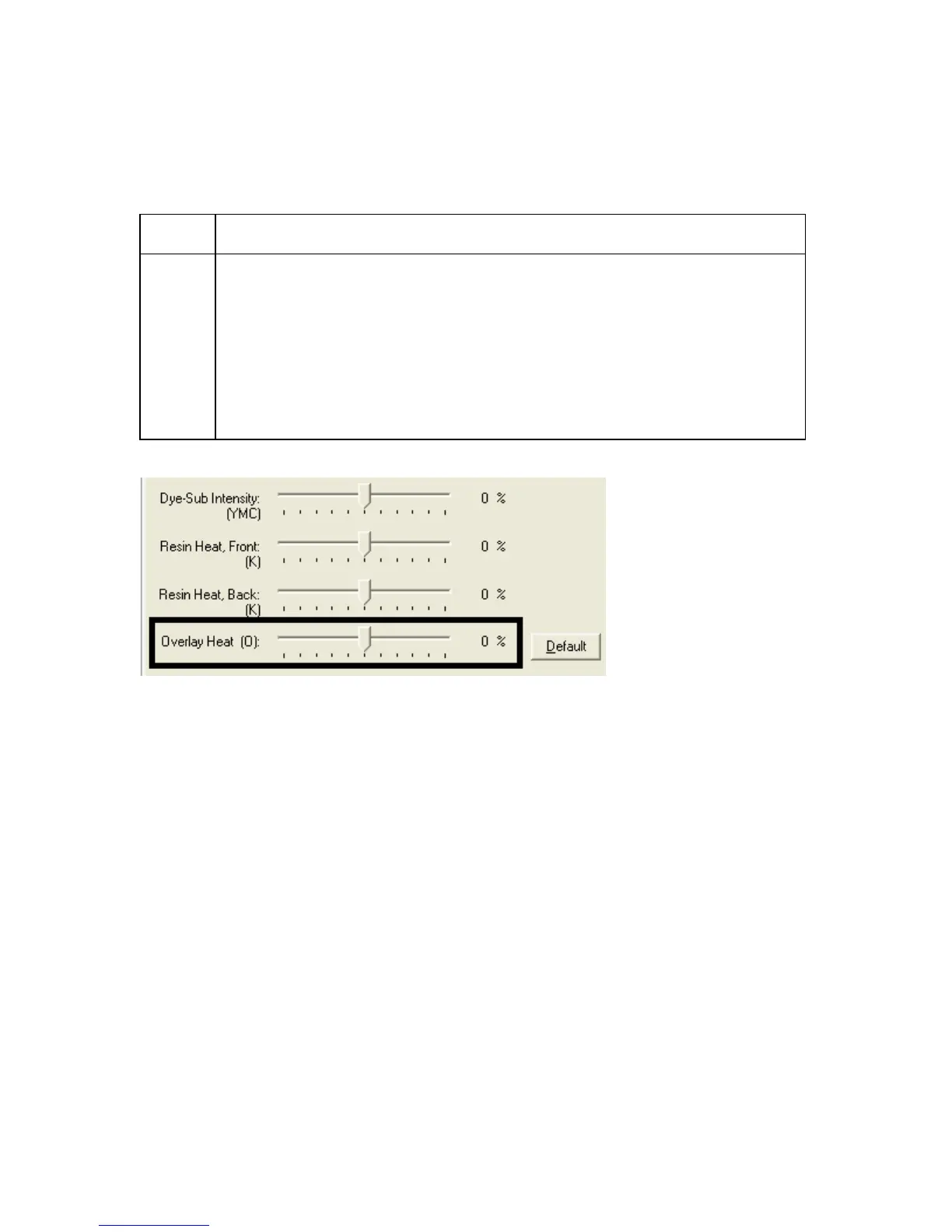
Using the Overlay Heat (O) option
Use this option to control the amount of heat the Printer uses when printing with the
overlay panel of a Ribbon.
Step Procedure
1 Move the slide to the left to cause less heat to be used in the printing
process. (Note: Certain card types may need additional heat for better
transfer of the overlay material.)
OR
Move the slide to the right to cause more heat to be used.
(Note: This control can be helpful for fine-tuning the transfer of overlay
onto the card.)



 To Next Page