FOR RESTRICTED USE only Fargo Electronics, Inc.
DTC550 Direct to Card Printer/Encoder User Guide (Rev. 2.8)
6-66
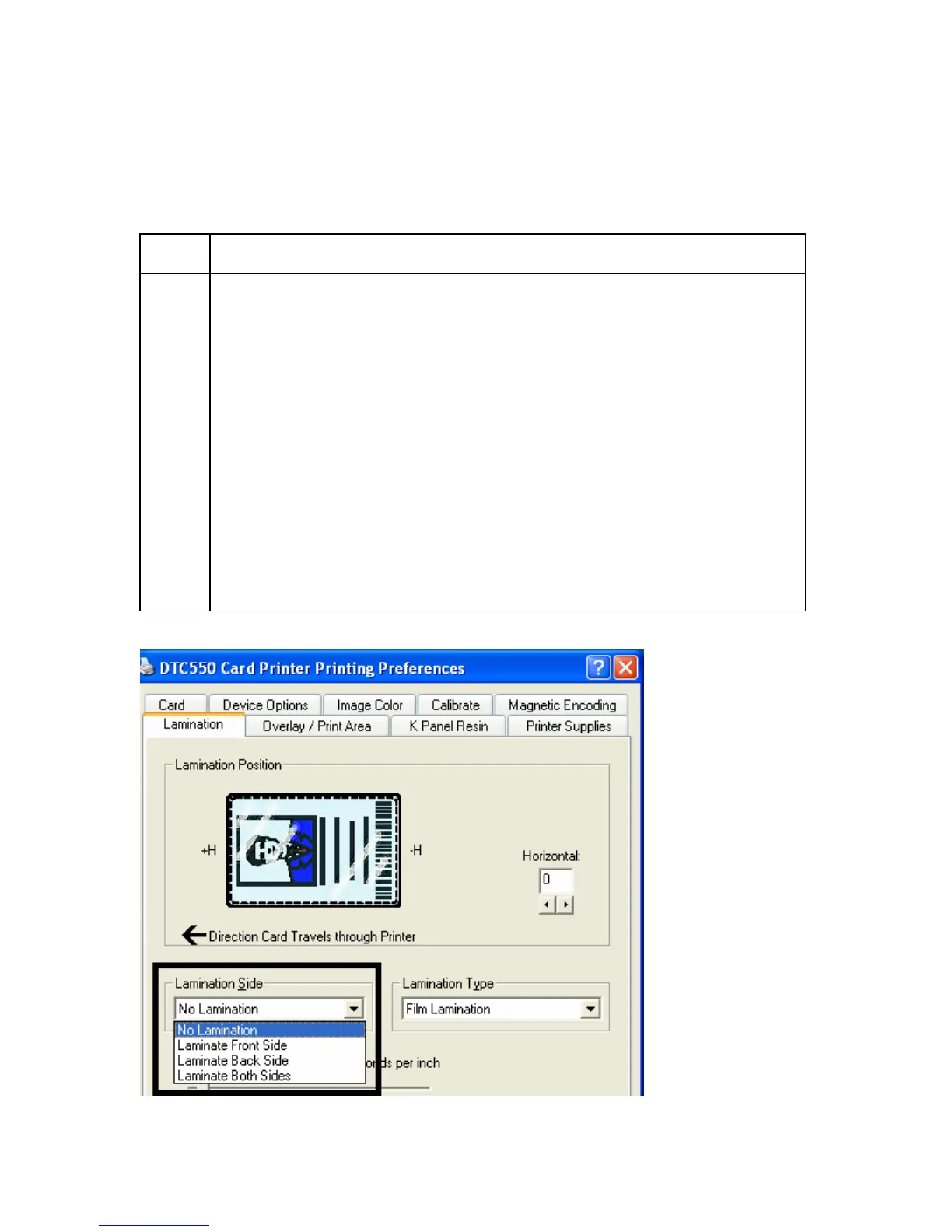
Selecting the Lamination Type
Select one of the Lamination Type options, according to which type of lamination media
is currently installed. Two types of overlaminates are supported by the driver: Film
Lamination and PolyGuard lamination. Custom versions of each type are also available.
Step Procedure
1A Select the Film Lamination option if the Thermal Transfer Film
Overlaminate type is installed in the Lamination Module.
• The Film Lamination may be applied with or without the application of
an additional overlay from a paneled, full-color Print Ribbon.
• The Overlay (O) Panel provides additional Ultra-Violet (UV) light
protection and additional abrasion resistance not found when using film
laminations alone; however, it requires use of a Print Ribbon with an
Overlay (O) Panel.
• If using Film lamination, the additional protection of the Print Ribbon's
overlay panel is recommended.
• If the Film Lamination option is selected, the film lamination is applied
to the printed card, then the card is ejected. (Note: This is the fastest
way to apply the film lamination, yet it provides the lowest film
durability.)



 To Next Page