FOR RESTRICTED USE only Fargo Electronics, Inc.
DTC550 Direct to Card Printer/Encoder User Guide (Rev. 2.8)
8-4
Replacing the Card Cleaning Roller (continued)
Steps
Procedure
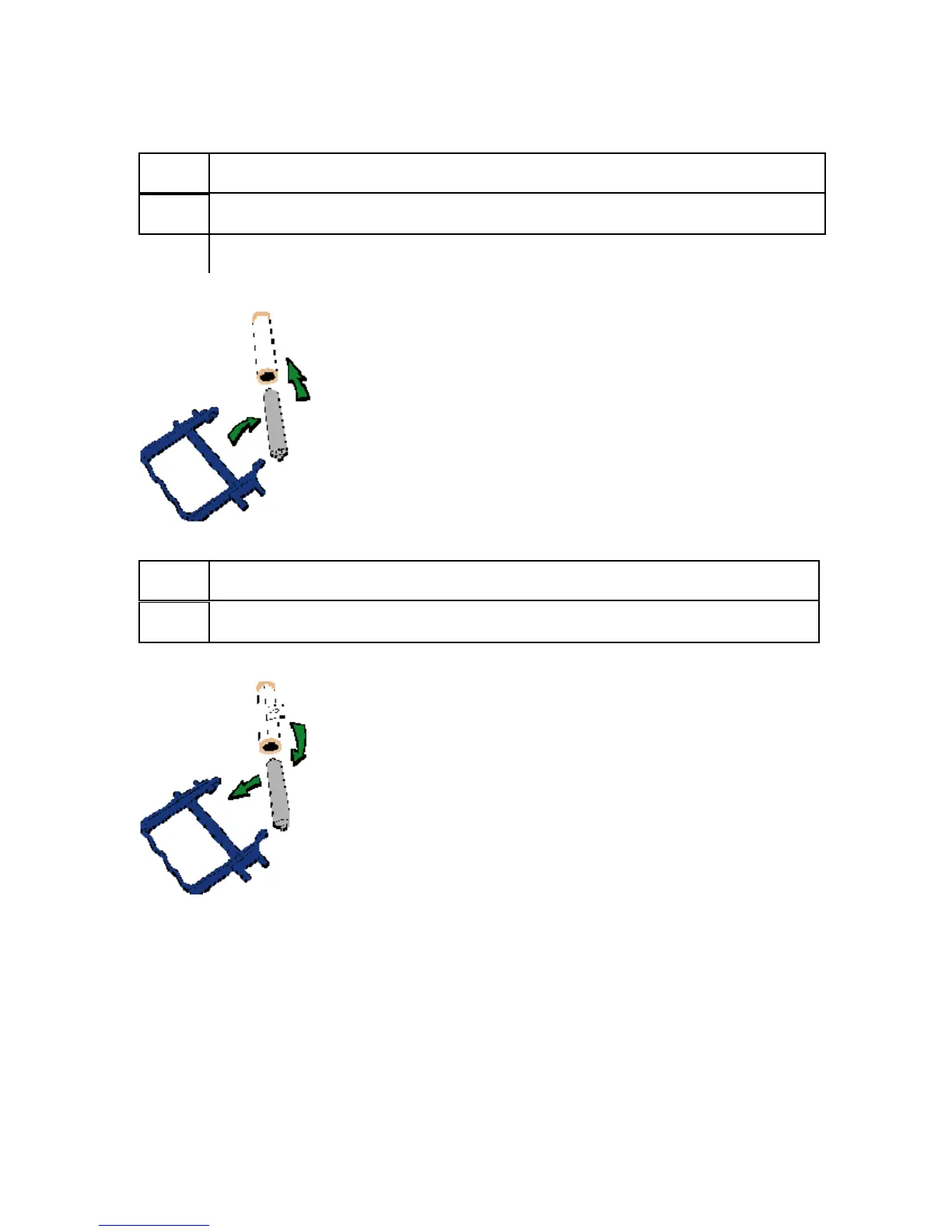
3 Remove the gray Roller from the Card Cleaning Cartridge, as shown below.
4 Remove the old cleaning roller from the gray Roller, as shown below.
Step Procedure
5 Install the new Cleaning Roller onto the gray Roller, as shown below.



 To Next Page