FOR RESTRICTED USE only Fargo Electronics, Inc.
DTC550 Direct to Card Printer/Encoder User Guide (Rev. 2.8)
5-2
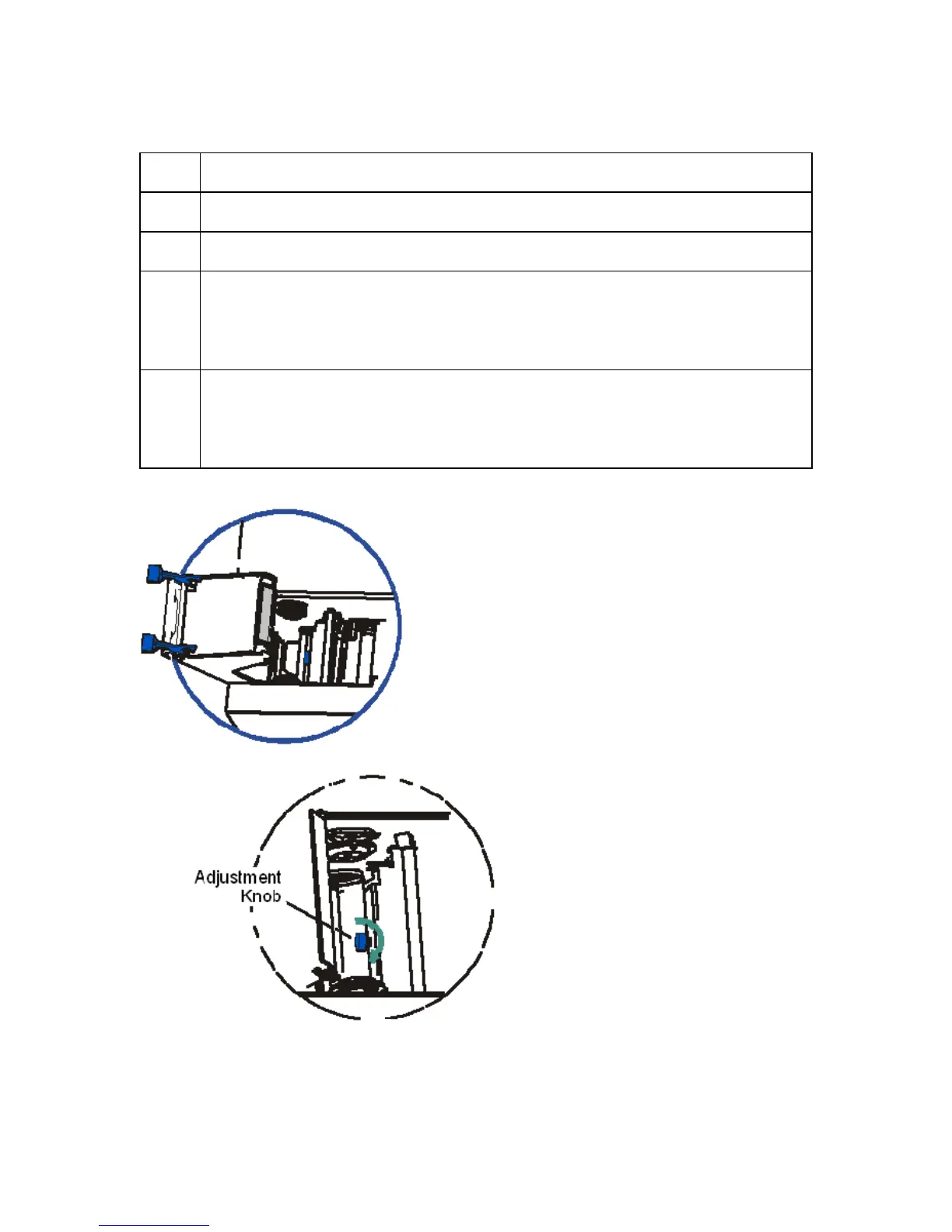
Adjusting the Card Flattener (continued)
Step Procedure
1 Open the Card Lamination Module.
2 Remove the overlaminate material if installed.
3 If laminated cards are bowing upward, turn the Card Flattener Adjustment
Knob clockwise. (Note: This pushes the flattener Roller down to increase the
reverse bending pressure. For best results, turn the knob one full rotation,
then print and laminate a test card. Repeat this process as necessary.)
4 If the card is bowing downward, the reverse bending pressure may be too
great. In this case, rotate the adjustment knob counter-clockwise. (Note:
Some card types have very low heat resistance and may not be acceptable for
laminating.)



 To Next Page