FOR RESTRICTED USE only Fargo Electronics, Inc.
DTC550 Direct to Card Printer/Encoder User Guide (Rev. 2.8)
3-22
Connecting power to the DTC550 Printer (continued)
Step Procedure
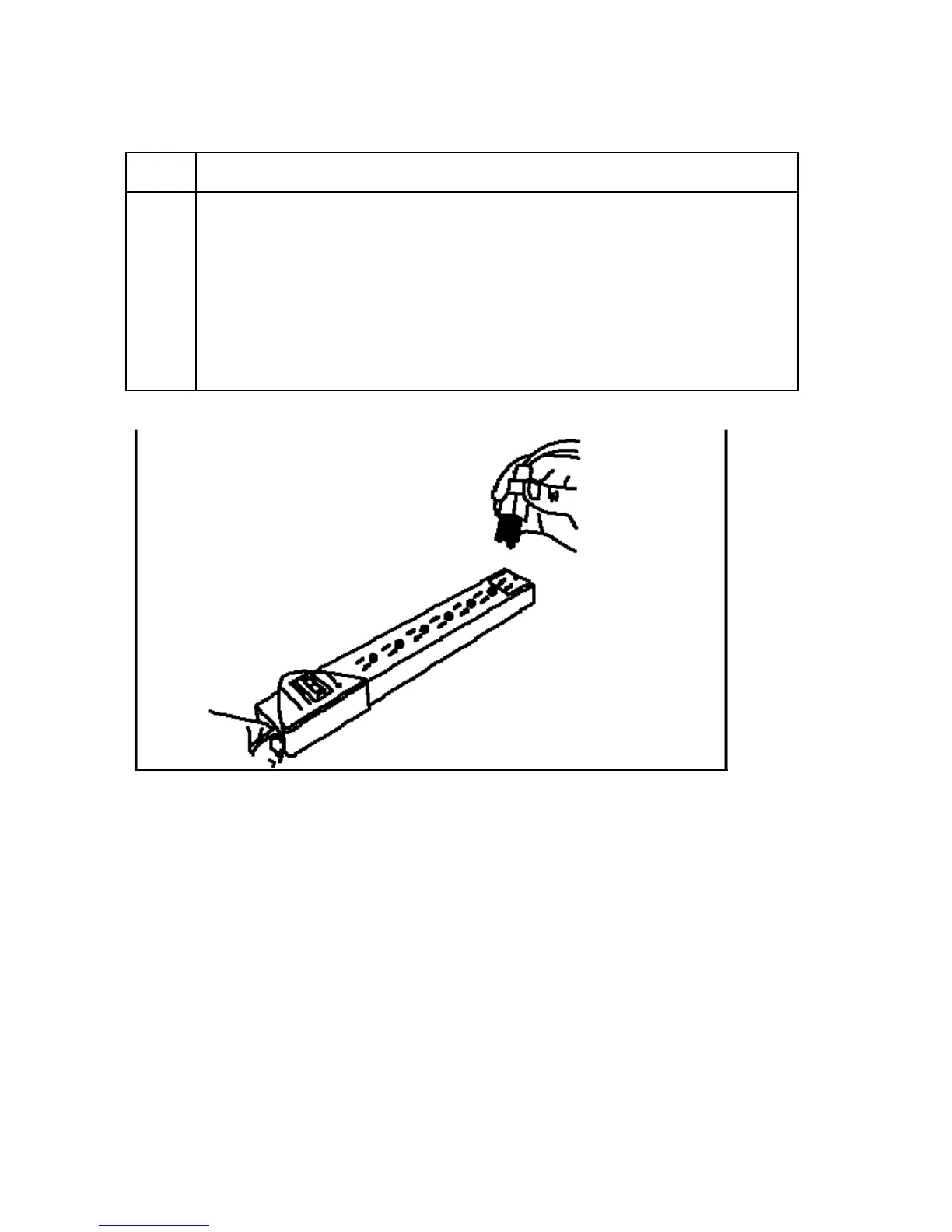
3 Connect the other end of the AC power cable to a Surge Protector. Connect
the other end of the cord to the Power Supply. See both notes below.
• Note No. 1: Instead of connecting the AC power cable directly into an
AC outlet, it is recommended that a Surge Protector be used to protect
against power surges.
• Note No. 2: Some buildings have surge protection built into the
electrical outlets. Please consult your building supervisor regarding this
material.



 To Next Page