FOR RESTRICTED USE only Fargo Electronics, Inc.
DTC550 Direct to Card Printer/Encoder User Guide (Rev. 2.8)
3-27
Connecting power to the DTC550 Printer (continued)
Step Procedure
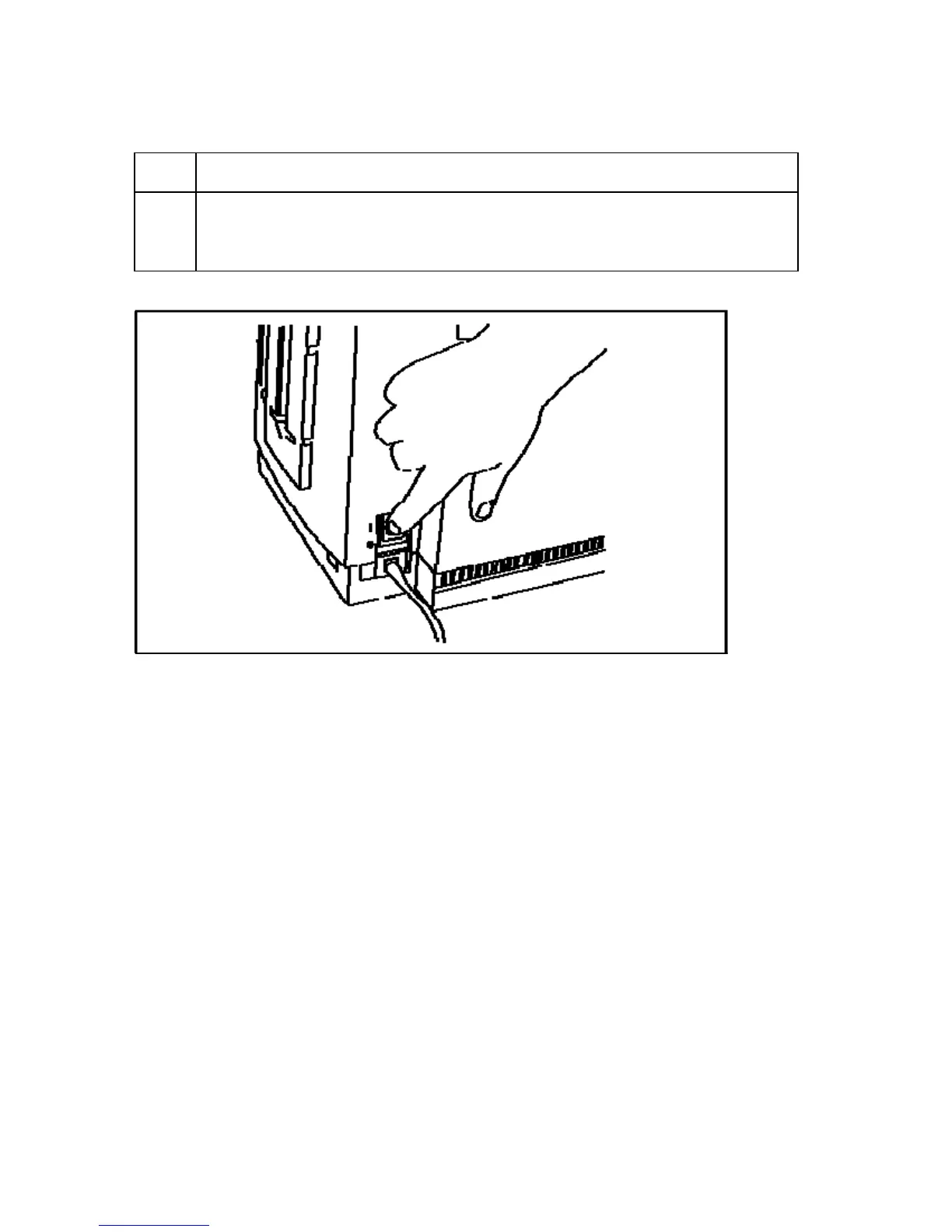
8 Turn on the Printers power by pressing on the Printer's power switch
(ON/OFF). (Note: Once the DTC550 has been powered on, the Printer will
initialize the Print Ribbon.)



 To Next Page