6. CHART OVERVIEW
6-8
Manage Data Manages routes and user charts.
[Route]: Imports, exports, deletes routes.
[User Chart]: Deletes user charts.
[Data Import]: Imports route, user chart created with FEA-2x07 ECDIS.
Common bar
Chart INFO Provides chart information.
[Chart Legend]: Shows chart legend, with your vessel at the center, in the Voyage
navigation mode.
[Viewing Dates]: Sets Display date and Update Review dates.
[Chart 1]: Displays an overview of ECDIS chart symbols.
DISP [SET]: Shows the [Basic Setting] menu, [Chart Display] menu, [Symbol Display]
menu, [Chart Alert] dialog box.
[TWO DISP]: Splits the screen in two, vertically or horizontally, in the Voyage nav-
igation mode.
[NtoM]: Shows or hides the Notices to Mariners (NtoM).
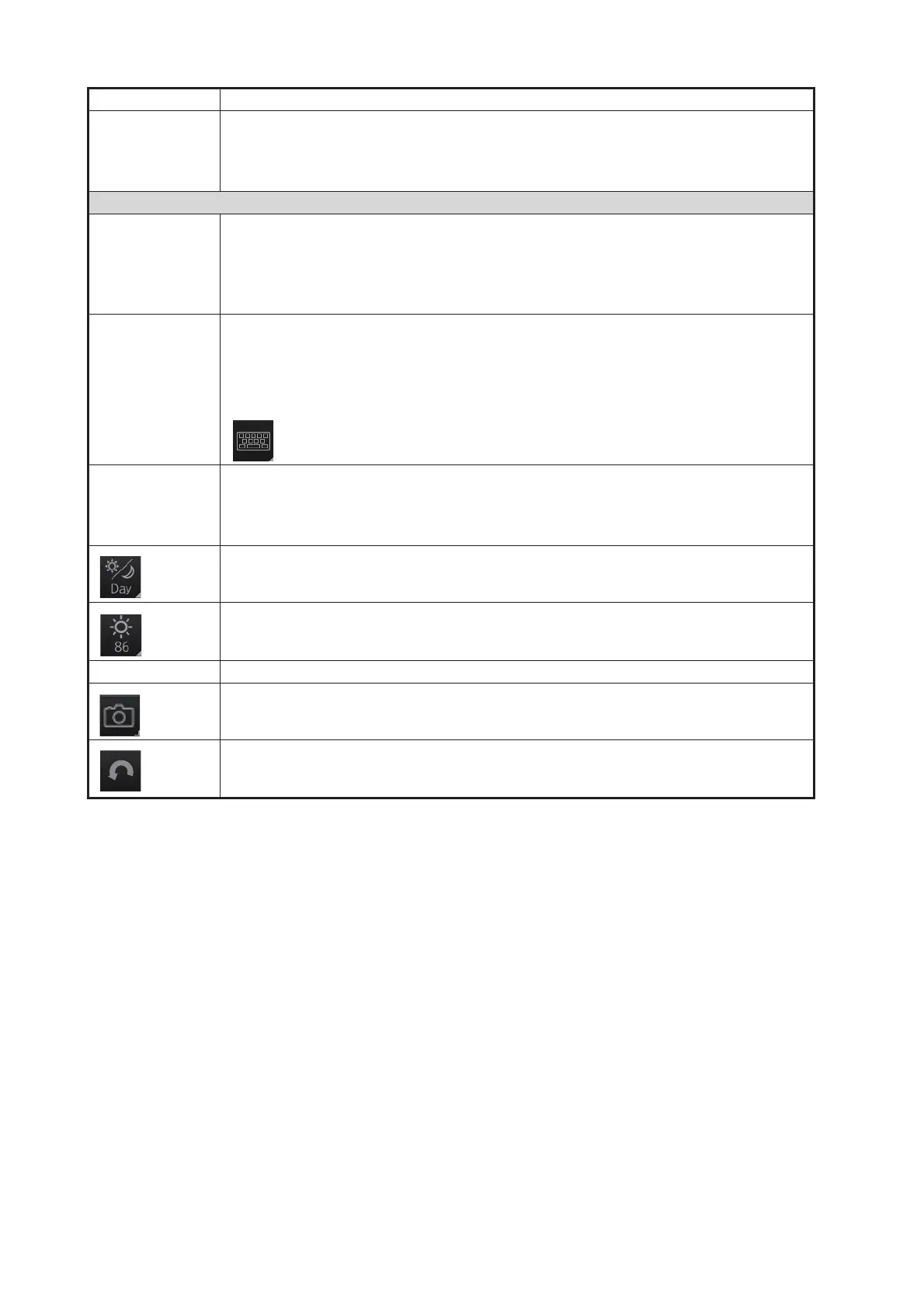
: Shows or hides the software keyboard.
Log Displays Update log (ENC, C-MAP), Event log* (user event, POSN event), NAV
log (Voyage, Details, Chart Usage), Target log (Danger Target), and Route Trans-
fer log.
*: Voyage navigation and Voyage planning modes.
Selects a color palette, day, dusk or night.
• Adjusts the brilliance of the monitor.
• Adjusts the backlighting for the control unit. (CHART for RADAR mode)
MOB Inscribes the MOB (ManOverBoard) mark.
Takes a screenshot.
Restores previous condition in route and user chart creation.
Button name Description
Palette
UNDO



 To Next Page