(Click)
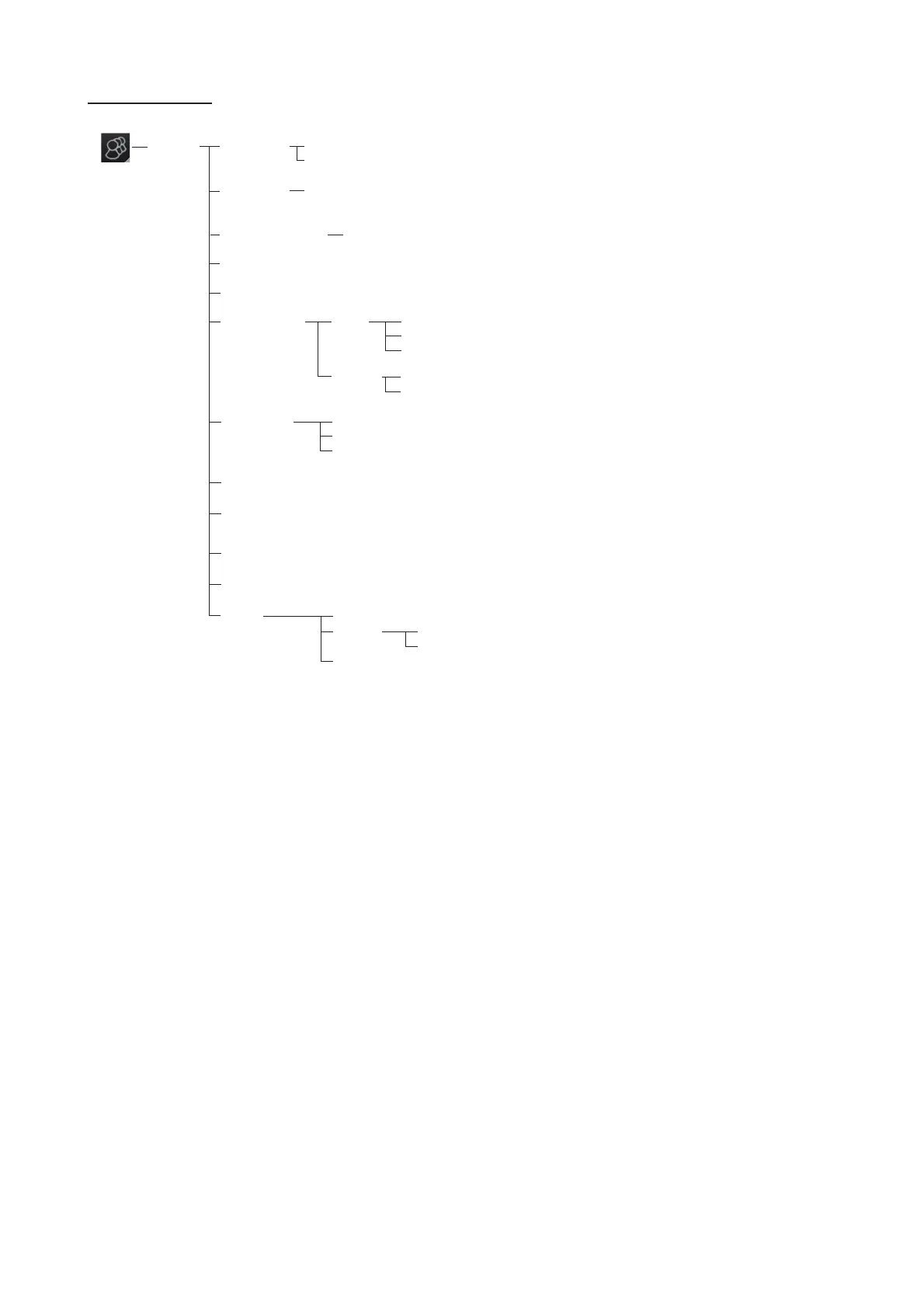
File Export
Select data to export (Setting data, Route/User chart, Playback data, Radar map, Radar Installation)
DB export
File Import
Select file to import
Select data to import (Setting data, Route/User chart, Playback data, Radar map, Radar Installation)
File Maintenance Restore the last-saved route/user chart application and route/user chart system
Alert Settings (Shows the settings window)
Self Test (Check various components of the system.)
Data Sharing
Display
settings
Color Palette (Checkbox checked)
Display Brilliance (Checkbox checked)
Customize
Wheel rotation (Normal, Reverse)
Key beep volume (0 to 3, 1)
Alert sound volume (1 to 3, 3)
Display Test (Display test patterns.)
Keyboard Test (Test the Radar Control Unit, ECDIS Control Unit and Trackball
Control Unit.)
Screenshot (Manage screenshots.)
User Default (Restore all user default settings.)
X (-15.0 to 15.0, 0.0 m)
Y (0.0 to 300.0, 0.0 m)
CCRP
Select CCRP
Anchor
Display Filter (CCRP, Center of Gravity, Pivot Point, Radar Antenna, GPS
Sensor, AIS Transponder, Echo Sounder, SDME Sensor, Anchor)



 To Next Page