8. Vector Chart Material
8-9
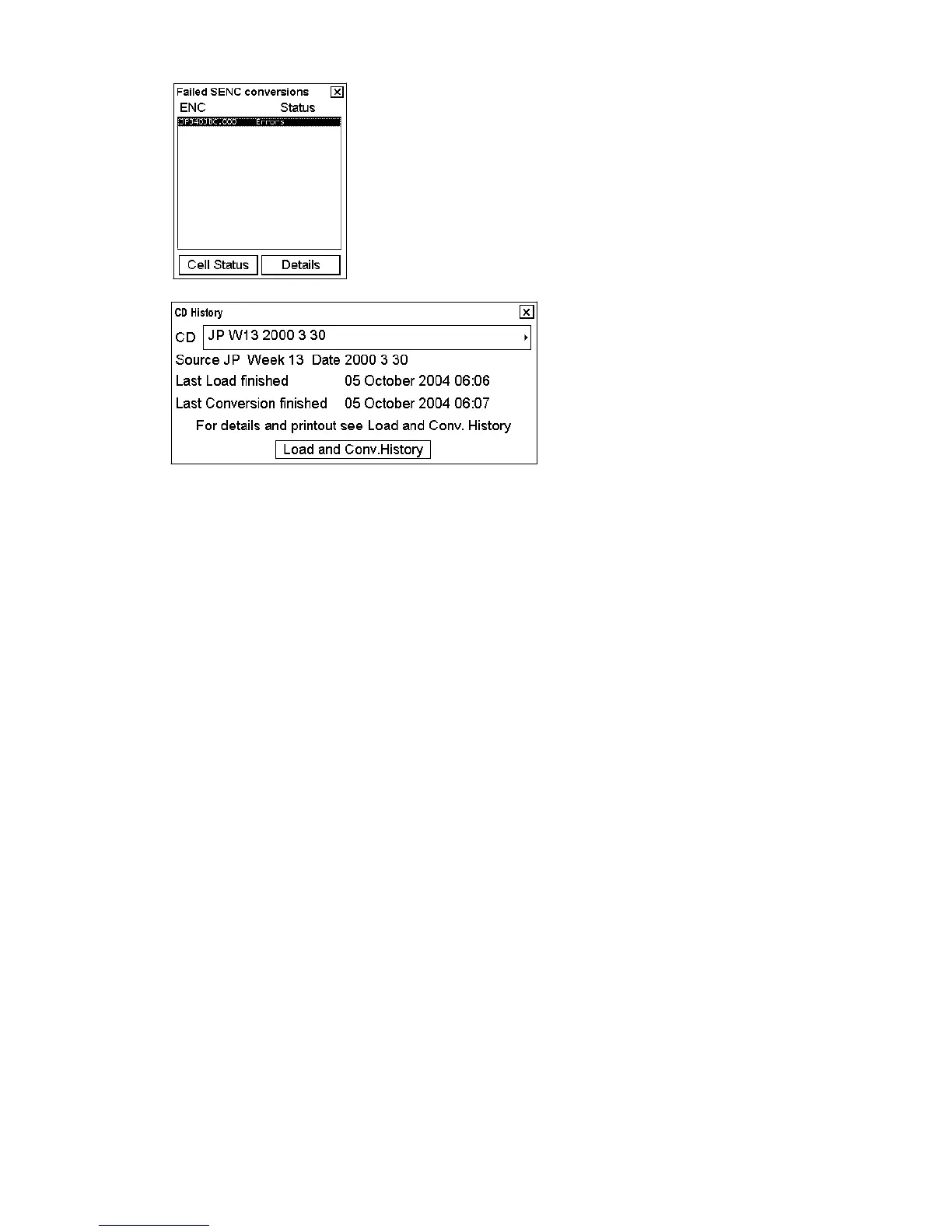
8. When conversion is completed, the following window appears.
9. Remove the CD-ROM (floppy or USB memory) and insert next CD-ROM (floppy or USB memory).
10. Do step 2 to 10 to repeat the procedure for remaining CD-ROM (floppy or USB memory).
11. After you have loaded all charts, insert "Update CD (floppy or USB memory)".
12. Do step 2 to 10 for the Update CD (floppy or USB memory).


 To Next Page