CHAPTER 6: COMMUNICATIONS NETWORK SETTINGS
D90
PLUS
LINE DISTANCE PROTECTION SYSTEM – INSTRUCTION MANUAL 99
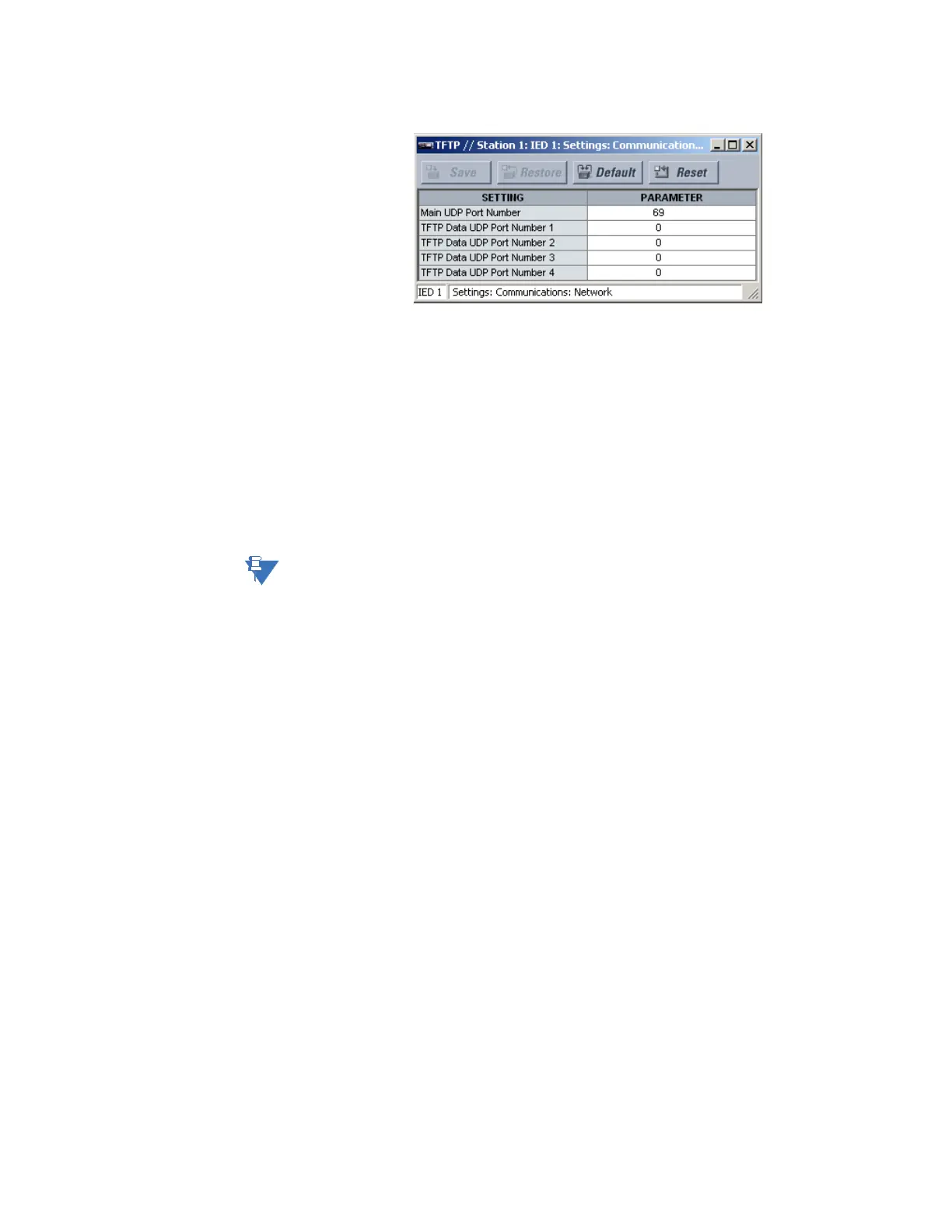
Figure 77: TFTP configuration settings
The following settings are available.
Main UDP Port Number
Range: 1 to 65535 in steps of 1
Default: 69
This setting specifies the main UDP port number.
TFTP Data UDP Port Number 1, TFTP Data UDP Port Number 2, TFTP Data UDP Port
Number 3, TFTP Data UDP Port Number 4
Range: 0 to 65535 in steps of 1
Default: 0
These settings specify data for UDP port numbers 1 through 4. A TFTP data port value of
zero specifies that the D90
Plus
automatically assigns a port number.
NOTE:
Changes to the TFTP protocol settings become active when power to the D90
Plus
has been
cycled (off-to-on).
Do not set more than one protocol to the same TCP/UDP port number, as this results in
unreliable operation of those protocol.
SNTP protocol
The D90
Plus
supports the Simple Network Time Protocol (SNTP) specified in RFC-2030. With
SNTP, the D90
Plus
can obtain clock time over an Ethernet network. The D90
Plus
acts as an
SNTP client to receive time values from an SNTP/NTP server, usually a dedicated product
using a GPS receiver.
Unicast and broadcast SNTP are supported. The UR
Plus
-series relays do not support
multicast or anycast SNTP functionality.
If SNTP functionality is enabled at the same time as IRIG-B, the IRIG-B signal provides the
time value to the D90
Plus
clock for as long as a valid signal is present. If the IRIG-B signal is
removed, the time obtained from the SNTP server is used. If either SNTP or IRIG-B is
enabled, the D90
Plus
clock value cannot be changed using the EnerVista UR
Plus
Setup software.
Select the Settings > Communications > Network > SNTP menu item to open the SNTP
configuration window.



 To Next Page