CHAPTER 8: AUTOMATION AUTOMATION LOGIC
D90
PLUS
LINE DISTANCE PROTECTION SYSTEM – INSTRUCTION MANUAL 487
Figure 426: Maximum operations per hour alarm automation logic
Customizing the automation logic operands
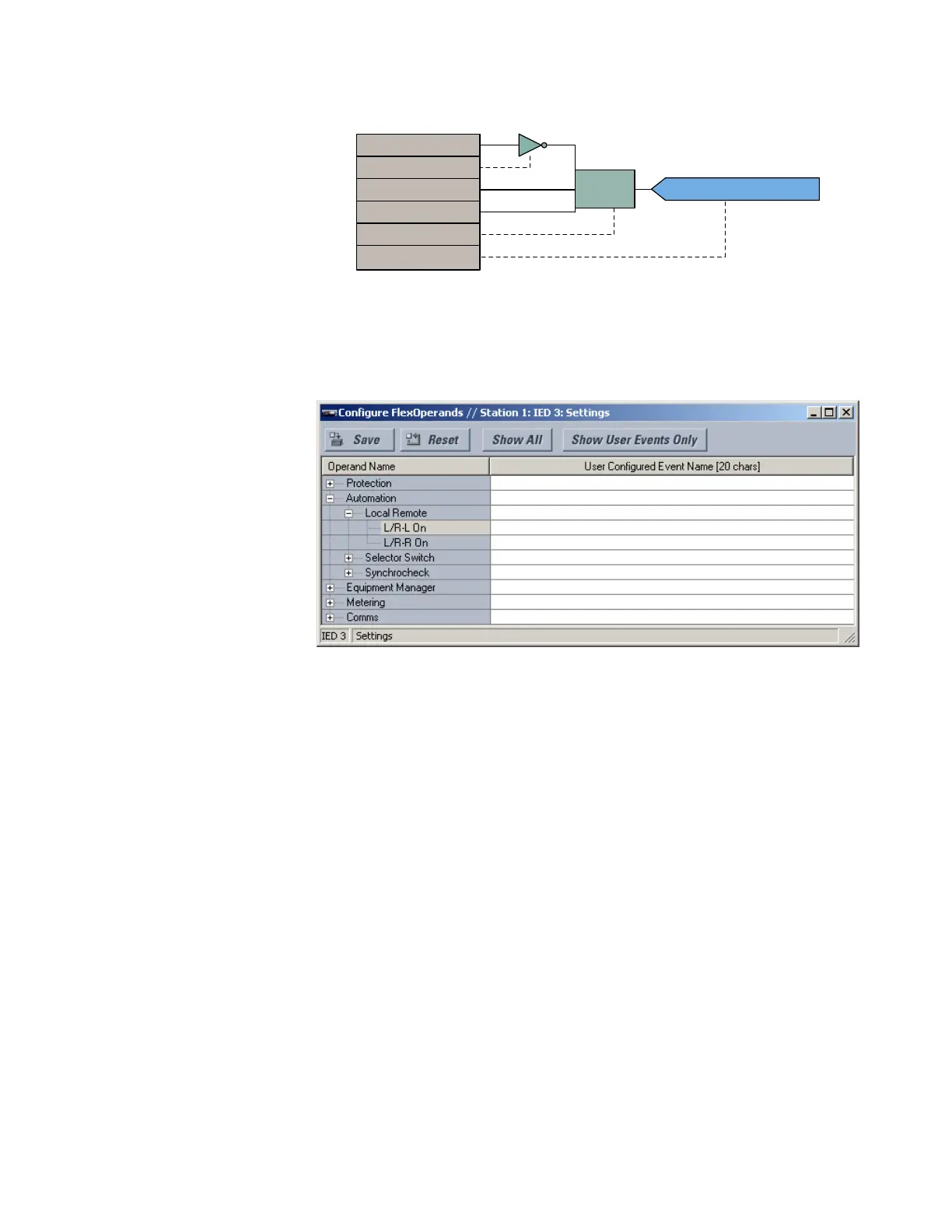
Select the Settings > Configure FlexOperands menu to open the user-configurable
operands window.
Figure 427: User-configurable automation logic operands window
The left side of this window displays all operands that are currently available to the D90
Plus
.
The automation logic operands are displayed by expanding the Automation entry. Each
operand can be renamed with a user-specified value to provide additional information or
match specific applications.
User Configured Event Name
Range: up to 20 alphanumeric characters
Default: ---
Each available automation operand can be renamed to a user-specified value. This
feature allows users to rename operands to allow for clearer identification or to match
specific applications. The new operand name appears in protection and automation
logic, in settings that take operands as their value, and in event reports.
Automation logic operands
The following automation logic operands are available for the D90
Plus
. They are listed
alphabetically by operand syntax. Some operands can be renamed within their settings
window, including the names of breakers, contact inputs, virtual inputs, and virtual
outputs. Operands can be assigned user-defined names through the Settings > Configure
FlexOperands menu.
Automation virtual output operands
Aut VO 1 ON..................................................
Asserted when automation virtual output 1 is in the ON state
(logic 1).
$&'5
$7,0(5
7,0(287$92
7,0(287$92
7,0(28721$92
127
$7,0(5
,1
3.
'3



 To Next Page