CHAPTER 7: PROTECTION POWER SYSTEM
D90
PLUS
LINE DISTANCE PROTECTION SYSTEM – INSTRUCTION MANUAL 173
• Events setting — This setting is used to control whether the pickup, dropout, or
operate states are recorded by the event recorder. When set to “Disabled,” element
pickup, dropout, or operate are not recorded as events. When set to “Enabled,” events
are created for
–
<Element> PKP (pickup)
–
<Element> DPO (dropout)
–
<Element> OP (operate)
The DPO event is created when the measure and decide comparator output transits
from the pickup state (logic 1) to the dropout state (logic 0). This can happen when the
element is in the operate state if the reset delay time is not zero.
Power system
This section outlines settings relevant to the D90
Plus
power system.
Installation settings
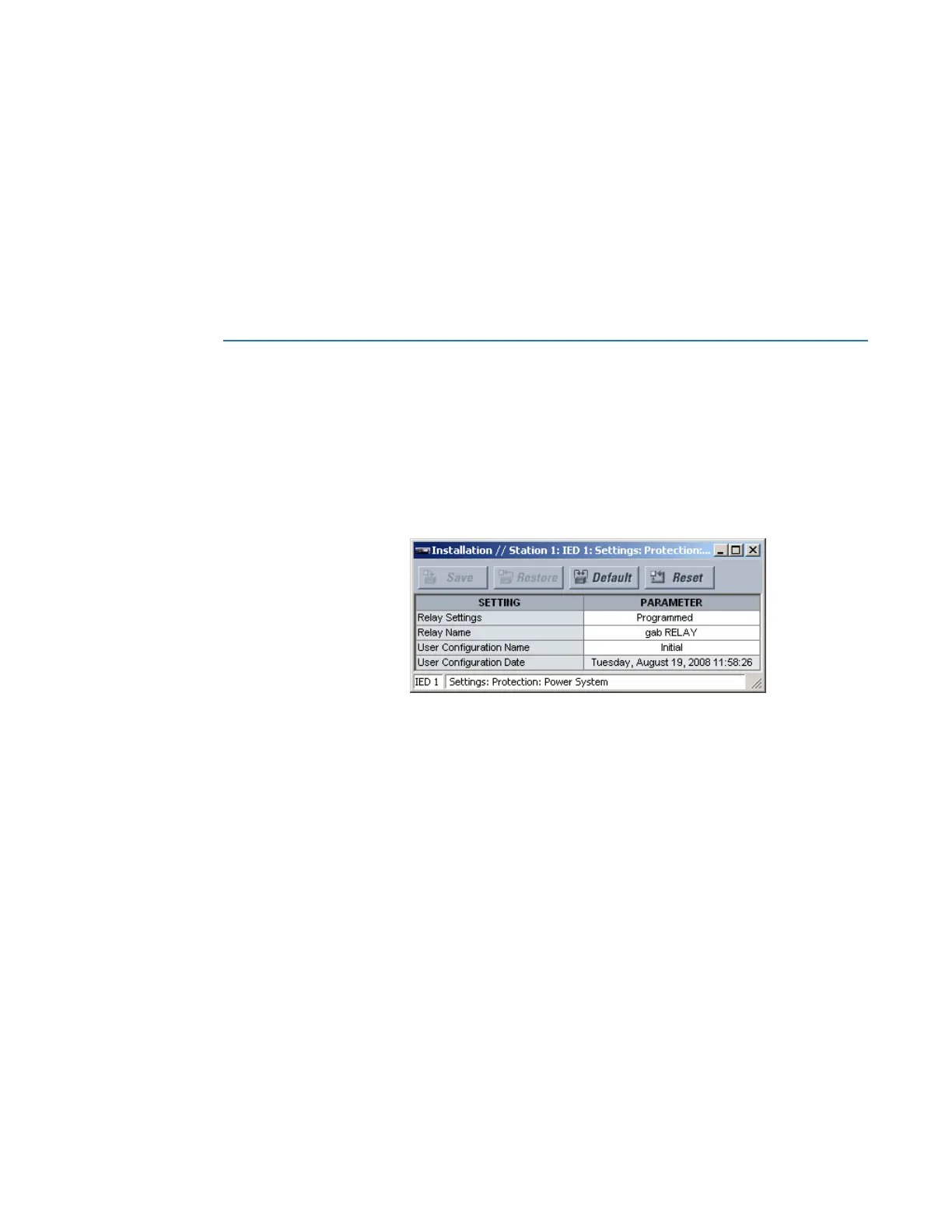
Select the Settings > Protection > Power System > Installation menu to open the
installation settings window.
Figure 153: Installation settings
The following settings are available.
Relay Settings
Range: Programmed, Not Programmed
Default: Not Programmed
To safeguard against the installation of a device without any entered settings, the
D90
Plus
does not allow signaling of any output relay until this setting value is
“Programmed.” This setting is “Not Programmed” by default. The
UNIT NOT
PROGRAMMED
self-test error message displays until the relay is put into the
“Programmed” state.
Relay Name
Range: up to 20 alphanumeric characters
Default: -----
This setting allows the user to uniquely identify a relay. This name appears on generated
reports.



 To Next Page